

Best Inventory Management Software for BigCommerce in 2026 (Feature & Pricing Comparison)
.png)
April 9, 2026
Key Takeaways (TL;DR)
- Carro is the premier choice for catalog growth: If you want to expand your assortment and boost revenue without holding inventory, Carro's dropship and marketplace infrastructure is the clear winner - purpose-built for distributed retail, not traditional stock management.
- Automate or stagnate: The best inventory management software for BigCommerce must automate stock updates across all channels to prevent overselling.
- Scalability prevents platform migration: Choosing a tool that can handle multi-warehouse and multi-currency operations now will save you from a costly migration later.
- Integration depth matters: Look for tools that don't just "connect" to BigCommerce but offer deep synchronization for order routing, returns, and real-time data visibility.
- Data-driven decisions: Top-tier software provides actionable insights into sell-through rates and demand forecasting, not just static stock counts.
Table of Contents
Top Inventory Management Software for BigCommerce in 2026: At a Glance
Why BigCommerce Inventory Management Matters
Imagine launching a major marketing campaign.
Traffic is surging, customers are adding items to their carts, and your sales dashboard is lighting up. Then, disaster strikes. You oversell a key product because your inventory count didn't sync fast enough from your other sales channel.
You're forced to cancel orders, issue refunds, and apologize to disappointed customers. This scenario is the nightmare of every e-commerce manager. In the high-stakes world of online retail, inventory visibility is the bedrock of customer trust.
According to BigCommerce research, 69% of online shoppers abandon purchases when items are out of stock, turning a single oversell into massive lost sales and eroded trust.
While BigCommerce is a powerful, enterprise-grade platform, its native inventory features are often insufficient for brands scaling rapidly or selling across multiple channels.
Finding the best inventory management software for BigCommerce is not just an operational decision; it is a strategic necessity for survival and growth in 2026.
This guide provides a comprehensive comparison of the top tools available, helping you move from spreadsheet chaos to automated precision.
Why Your BigCommerce Store Needs More Than Just Inventory Management
BigCommerce is a fantastic e-commerce platform, but its native tools often can’t keep up with the complex realities of modern retail. As your brand grows, expands into new channels, and adopts more ambitious sales strategies, these limitations become bottlenecks to your success.
Here’s where a smarter approach becomes essential:
1. The Challenge of Multi-Channel Sales
Today's brands don't just sell on one storefront. You’re on BigCommerce, Amazon, B2B portals, and social media.
Native tools struggle to sync inventory in real-time across these channels, leading to overselling, stockouts, and disappointed customers.
To keep everything running smoothly, you need a single source of truth that guarantees inventory accuracy everywhere you sell.
2. Scaling Beyond Your Own Shelves
Imagine expanding your product catalog without ever buying or holding the inventory yourself.
The future of retail is collaborative, allowing you to partner with other top-tier brands and sell their products directly on your store. This model lets you offer a vast, curated selection without the financial risk or operational headaches of traditional inventory.
Standard tools weren't built for this - you need a solution designed for seamless partner-based selling.
3. From Reactive to Predictive Growth
Simply tracking what you have isn’t enough. True efficiency comes from predicting what you’ll need.
Advanced tools can analyze sales data and market trends to forecast demand, helping you avoid overstocking and capitalize on every sales opportunity. This ensures you have the right products at the right time, turning insights into profit.
By tackling these challenges with a modern, partnership-focused platform, BigCommerce stores can unlock explosive growth. You can minimize friction, maximize efficiency, and deliver a superior customer experience - all while scaling confidently into the future of e-commerce.
The Benefits of Advanced Inventory Management
Investing in robust BigCommerce inventory management software yields dividends that go far beyond just "counting boxes."
Let’s break down exactly what that looks like. Here are the core benefits you’ll unlock:
1. Operational Efficiency and Automation
Manual data entry is a recipe for error.
Top-tier software automates the tedious tasks: creating purchase orders when stock gets low, routing orders to the correct warehouse, and syncing tracking numbers.
This frees your team to focus on marketing and customer service rather than logistics firefighting.
2. Improved Cash Flow
Every unsold product is cash just sitting on your shelf. By optimizing stock levels with better forecasting, you cut down on holding costs. You buy only what you need, exactly when you need it.
This is where solutions like Carro come in. Carro allows you to expand your product catalog without any upfront capital investment in stock, radically improving your cash conversion cycle. You can offer a wider variety of products and sell more, without tying up your cash.
3. Enhanced Customer Experience
In the age of Amazon, customers expect speed and accuracy. Meeting these expectations is critical for customer satisfaction and loyalty.
An integrated inventory system ensures that when a customer sees "In Stock" on your site, the item is actually available. This eliminates frustration and builds trust.
It also speeds up fulfillment by automatically routing orders to the warehouse closest to the customer. This simple process can shave days off delivery times, improving the overall shopping experience.
4. Scalability Without Growing Pains
As you add new product lines, new regions, or new warehouses, a spreadsheet system will break.
Professional software scales with you, handling millions of SKUs and thousands of daily orders without breaking a sweat.
Top Inventory Management Software for BigCommerce in 2026
We have analyzed the market to identify the leaders in the space.
Whether you're a retailer modernizing dropship programs, an online marketplace scaling operations, or a DTC brand seeking partnerships, there’s a tool for you.
From expanding product catalogs and simplifying operations to reaching new distribution channels, these solutions support marketplace operators, e-commerce leaders, growth executives, and supply chain managers.
Whether your goal is streamlining supplier onboarding, growing GMV, or expanding brand reach, these tools are built to help you succeed.
1. Carro
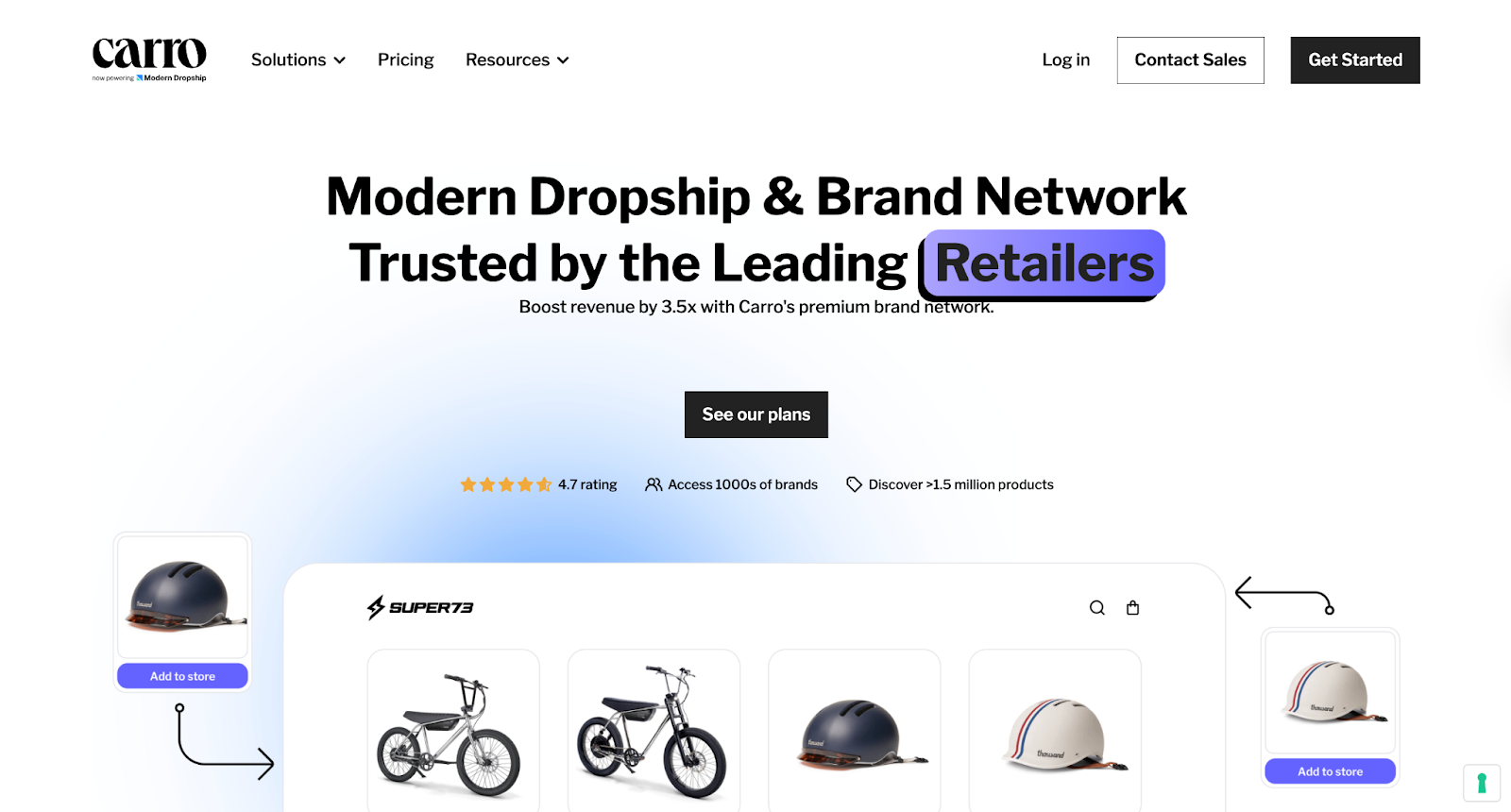
Carro is fundamentally different from every other tool on this list.
While traditional software helps you manage the inventory you own, Carro helps you sell inventory you don't own. It is a purpose-built dropship platform, allowing BigCommerce merchants to seamlessly sell products from trusted brand and distributor partners directly on their store - without holding inventory.
Best For:
Retailers and Marketplaces focused on Catalog Expansion and Virtual Inventory
Overview:
Carro integrates seamlessly with BigCommerce, transforming your store into a curated marketplace.
Say goodbye to inventory risks - partner with trusted brands in Carro's network instead. When you make a sale, the order is routed to the brand partner for fulfillment, who ships directly to your customer.
You retain customer data, keep healthy margins, and avoid the hassle of managing inventory.
Key Features:
- Curated Supplier Network: Get matched with complementary brands and access millions of products to add to your store instantly.
- Automated Order & Fulfillment Orchestration: Orders are automatically routed to the correct supplier for fulfillment, eliminating manual work and errors.
- Real-Time Sync: Product information, pricing, and inventory levels update automatically across all stores to prevent overselling.
- Unified Checkout: Customers can purchase your products and partner products in a single, seamless transaction.
- Hand-Matched Supplier Network: Account Managers personally connect you with complementary brands that fit your category, audience, and price point - ensuring curated partnerships, not generic matches.
Why Retailers Love Carro:
- Expand Your Catalog, Not Your Warehouse: Grow your product selection and test new categories without the inventory risk or capital investment.
- Boost Average Order Value: Increase basket size by cross-selling complementary products from trusted brand partners.
- Seamless Integration: Carro plugs directly into your BigCommerce store and works alongside your existing operations without disruption.
- Automated Payouts & Reconciliation: We handle the financial split automatically, so you and your partners get paid on time, every time.
Who is it for?
Whether you're a retailer modernizing dropshipping, a marketplace expanding your catalog, or a DTC brand seeking curated retail partnerships, Carro simplifies supplier management, order routing, and inventory tracking.
Reduce costs, expand distribution, and launch quickly - all while keeping full control and visibility over your operations.
Pricing:
Carro offers flexible pricing across three tiers. The Build plan starts at $149/month plus a 7% per-sale fee. The Scale plan is $299/month with a reduced 5% fee and includes priority support and access to the hand-matched supplier network. Enterprise plans with custom pricing are available for high-volume marketplaces.
Final Verdict:
If your goal is growth through assortment expansion, Carro is the unrivaled leader. It allows you to act like a massive retailer while operating with a lean team. It is the best dropship and marketplace platform for the modern, asset-light retailer looking to grow assortment without inventory risk.
2. Brightpearl
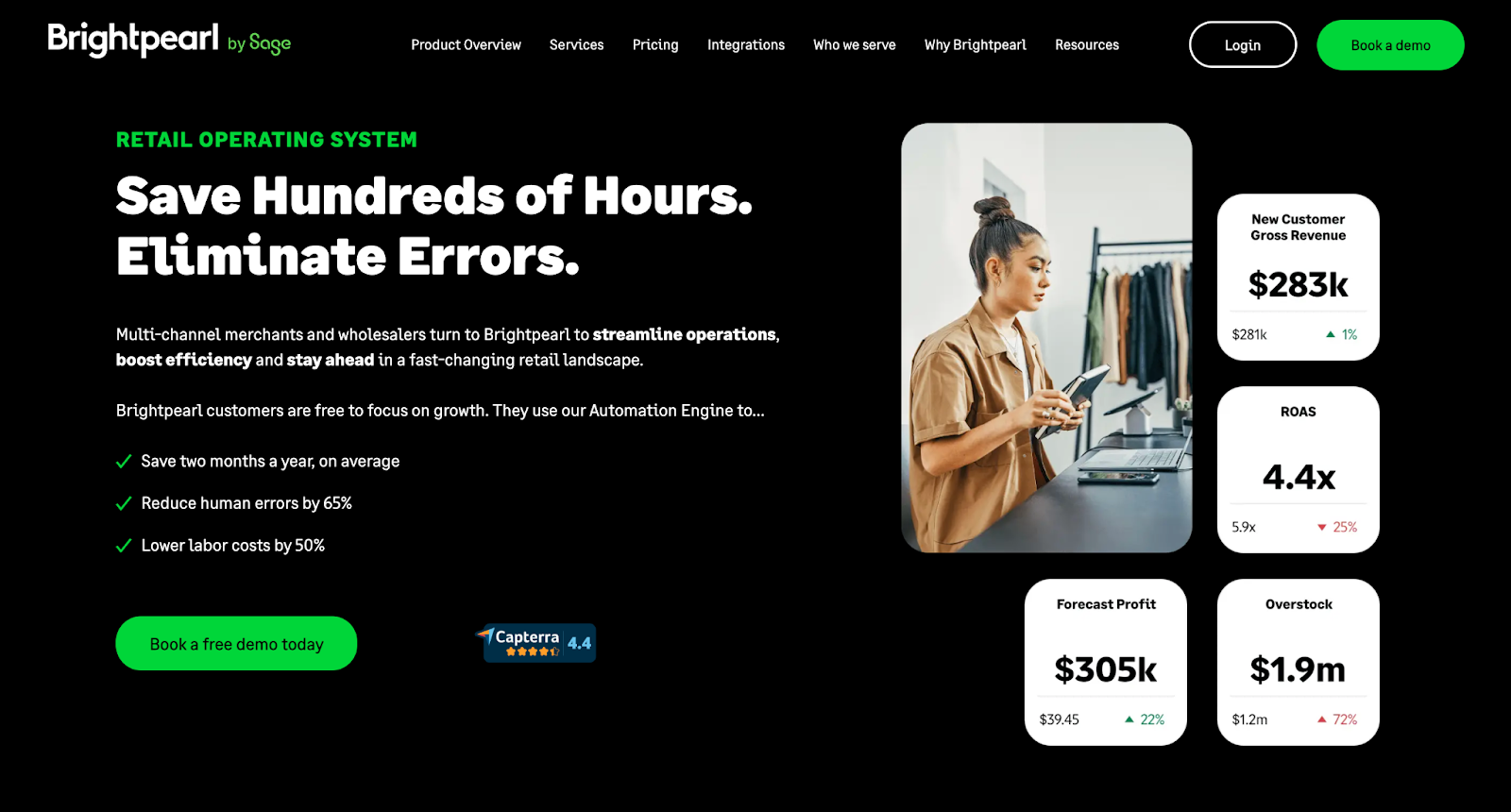
Brightpearl goes beyond simple inventory management; it positions itself as a Retail Operating System (ROS).
It is designed specifically for retail and wholesale businesses that have outgrown basic ERPs or disjointed tech stacks.
Best For:
Mid-to-Large Retailers needing a "Retail Operating System."
Overview:
Brightpearl automates the entire back office - inventory, order management, shipping, fulfillment, accounting, and CRM - into one central hub. Its strength lies in its automation engine, which allows you to set complex rules for how orders should be handled based on stock location, customer location, or order value.
Key Features:
- Automation Engine: Automate fulfillment, inventory allocation, and customer communication workflows.
- Integrated Accounting: Built-in real-time accounting that syncs with your bank and sales channels.
- Demand Planning: Advanced forecasting tools to predict purchasing needs.
- Multi-Currency & Multi-Location: Handles complex global operations effortlessly.
Pros:
- Purpose-Built for Retail: Unlike generic ERPs, it understands retail workflows (returns, exchanges, bundles).
- High Automation: Drastically reduces manual administrative work.
- BigCommerce Connector: Has a very strong, high-performance integration with BigCommerce.
Who is it for?
Brightpearl is for established merchants (typically $1M+ GMV) who are struggling with operational complexity and high transaction volumes.
Pricing:
Brightpearl does not publish public pricing. It uses a quote-based model that typically includes a flat fee plus a implementation cost. It is a significant investment but offers high ROI for complex businesses.
Final Verdict:
For high-volume merchants aiming to fully automate their back office, Brightpearl is a powerhouse, eliminating the need for separate accounting and order management software.
However, its quote-based pricing and high implementation costs can be a barrier for smaller businesses. The platform’s extensive features may also be overwhelming if you don’t need the full suite. Users often point out the lack of robust reporting, noting that critical reports are missing and custom ones cannot be built. The absence of live customer support and overly complex automation rules can also cause delays.
3. Cin7 Omni
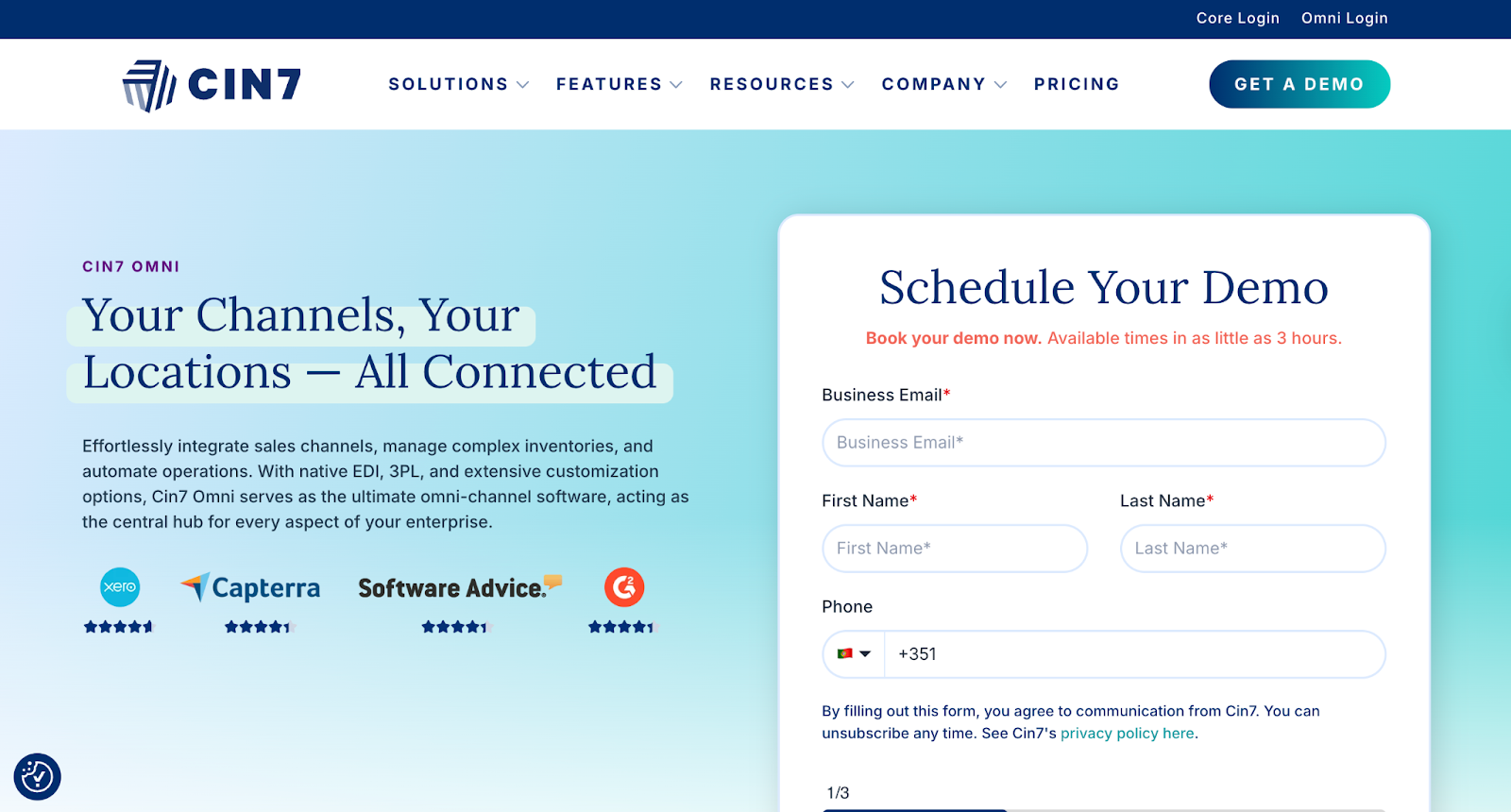
Cin7 Omni is famous for its "Connected Inventory" philosophy.
It excels at bridging the gap between your online BigCommerce store, your physical POS, and your B2B wholesale channels.
Best For:
Retailers with a mix of B2B, B2C, and Physical Stores.
Overview:
Cin7 provides a holistic view of your stock across every possible channel. Whether you sell on Amazon, eBay, BigCommerce, or in a brick-and-mortar boutique, Cin7 keeps your numbers accurate.
It also includes native EDI (Electronic Data Interchange) connections, which are essential if you plan to sell to big-box retailers like Nordstrom or Walmart.
Key Features:
- Native EDI: Connects directly to major retailers without third-party middleware.
- Built-in POS: Includes a Point-of-Sale system for physical retail locations.
- B2B Portal: Allows wholesale customers to log in and place orders directly.
- Production Jobs: Handles light manufacturing and bundling (Kitting).
Pros:
- Comprehensive Connectivity: Over 700 integrations available.
- B2B Strength: Excellent features for wholesale management.
- Retail/Online Hybrid: Perfect for "Buy Online, Pick Up In-Store" (BOPIS) workflows.
Who is it for?
Merchants who are truly "Omnichannel" - selling online, in-store, and wholesale - will find Cin7's feature set perfectly aligned with their needs.
Pricing:
Pricing starts at $349/month for the Standard plan, supporting up to 6,000 sales orders annually, 5 users, and 2 e-commerce integrations. The Core Pro plan at $599/month includes advanced tools, 10 users, and 24,000 orders per year, while the Core Advanced plan at $999/month offers 15 users, 6 integrations, and advanced warehouse management.
Final Verdict:
While Cin7 is a versatile all-rounder, its high price point can be a barrier for small businesses.
Additionally, many users report a steep learning curve and frequent bugs that disrupt workflows, leading to time-consuming troubleshooting.
4. Linnworks
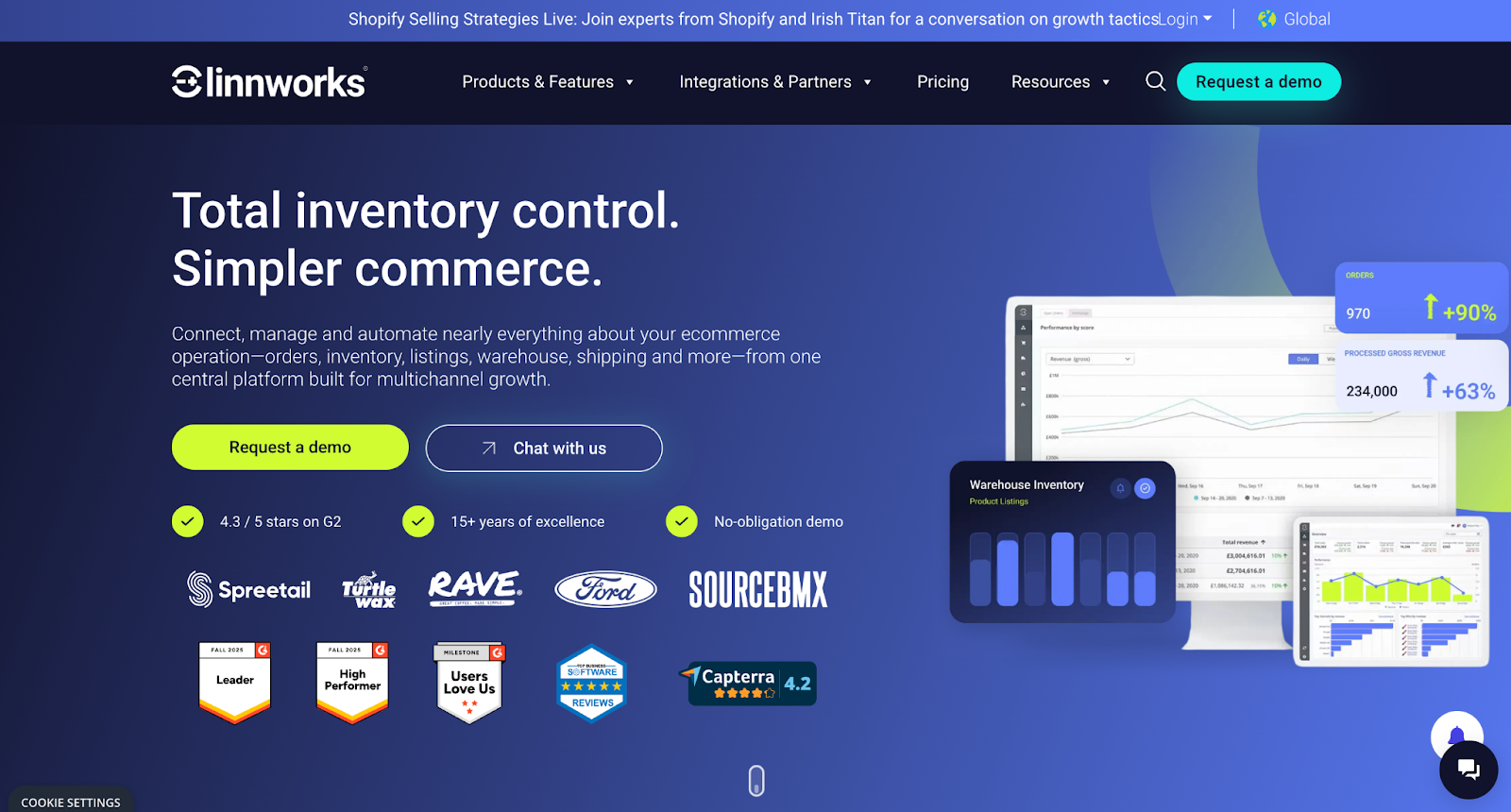
Linnworks focuses heavily on "Total Commerce Control".
Its primary strength is helping brands selling on BigCommerce to easily push their products onto dozens of global marketplaces.
Best For:
Sellers aggressive on Marketplaces (Amazon, eBay, Walmart).
Overview:
Linnworks centralizes inventory management and order processing, but it shines in its channel integrations.
It allows you to manage listings, prices, and inventory for Amazon, eBay, Walmart, Etsy, and more, all from one dashboard. It treats BigCommerce as just one of many sales channels.
Key Features:
- Channel Mapping: Easily map BigCommerce SKUs to Amazon ASINs or eBay listings.
- Shipping Management: robust shipping module to compare carrier rates and print labels.
- Stock Forecasting: Analyzes sales data across channels to recommend reorder points.
Pros:
- Marketplace Focus: Best-in-class integrations for third-party marketplaces.
- Scalable: Used by massive global brands (like Ford and Belkin).
- Order Management: strong rules engine for order routing.
Who is it for?
Retailers whose growth strategy relies on dominating third-party marketplaces alongside their BigCommerce direct-to-consumer site.
Pricing:
Quote-based pricing tailored to business size and GMV. Generally targeted at mid-market to enterprise.
Final Verdict:
If your business is 50% BigCommerce and 50% Amazon/eBay, Linnworks is a great tool to keep those worlds in sync.
However, its interface can be a bit complex for beginners, and the pricing may feel steep for smaller businesses. Additionally, users have raised concerns about unreliable customer support, misleading feature claims, and frequent software bugs, making it less effective for tracking inventory and forecasting demand.
5. Ordoro
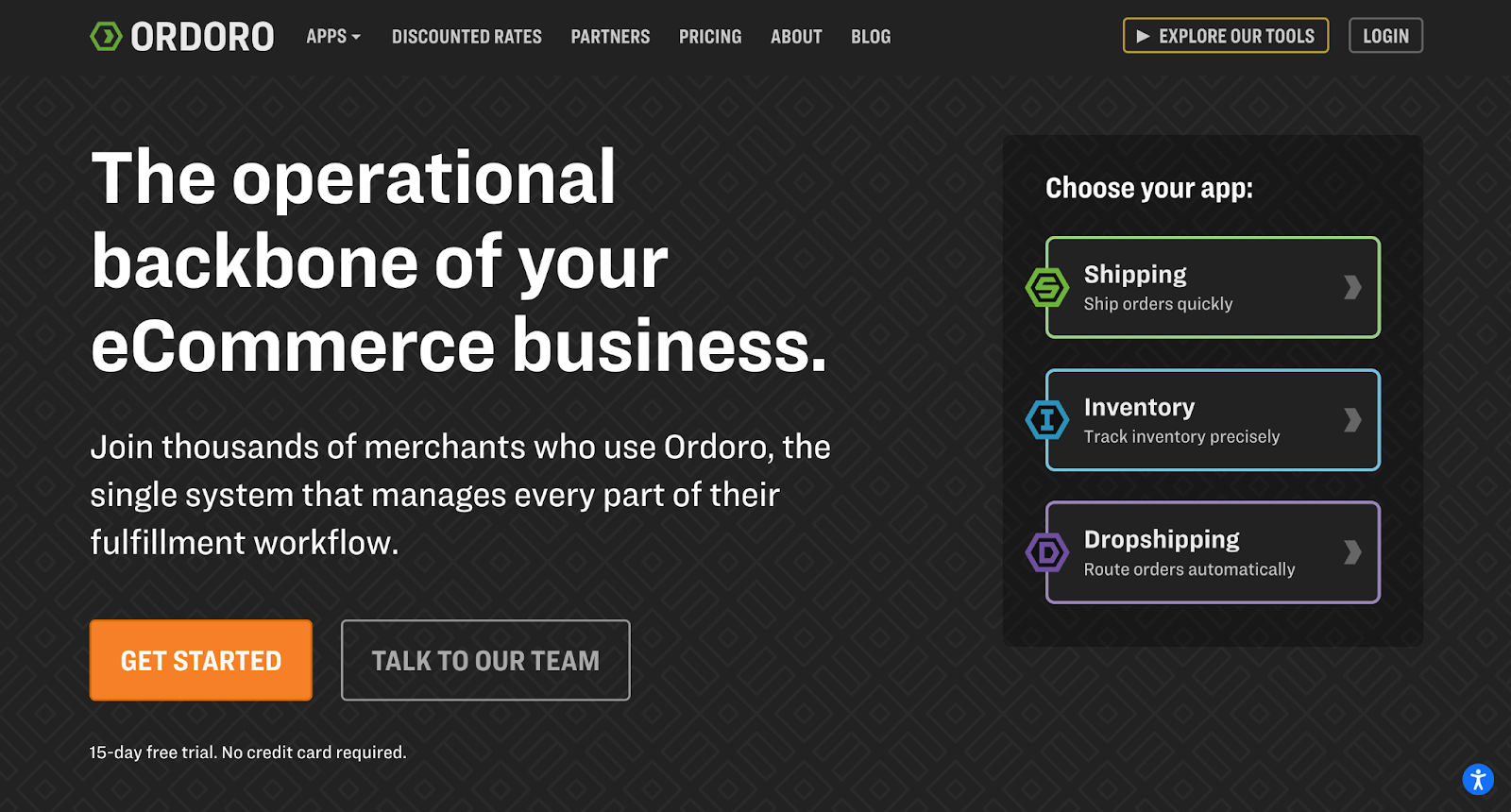
Ordoro started as shipping software and evolved into a robust inventory management system. Because of this heritage, its shipping features are exceptional.
Best For:
Dropshipping merchants and shipping-heavy operations.
Overview:
Ordoro is excellent for businesses that do a mix of self-fulfillment and dropshipping. It allows you to designate products as "dropship only" and automatically routes those orders to vendors via email or vendor portal. For the products you hold, it offers barcode scanning and efficient pick-and-pack workflows.
Key Features:
- Kitting & Bundling: Create bundles in BigCommerce and Ordoro calculates the inventory based on components.
- Dropship Automation: Automatically route orders to suppliers.
- Shipping Rate Comparison: Deep discounts on USPS rates (up to 67%).
Pros:
- Cost-Effective: great value for the feature set.
- Shipping Power: The shipping label creation is incredibly fast and intuitive.
- Dropship Friendly: Handles the "hybrid" model of inventory very well.
Who is it for?
Small to mid-sized businesses that want to manage inventory and print shipping labels from the same interface.
Pricing:
Ordoro offers flexible pricing to match your needs. You can start with the free Shipping app to fulfill orders efficiently. For inventory tracking across multiple locations, add the Inventory add-on for $349/month. To streamline your dropshipping operations, plans start at $299/month.
Final Verdict:
For merchants who handle their own fulfillment and want to save money on shipping rates while tracking stock, Ordoro is a fantastic, user-friendly choice.
However, it may not be ideal for smaller businesses due to its pricing, and some users report a learning curve with advanced features.
6. SKULabs
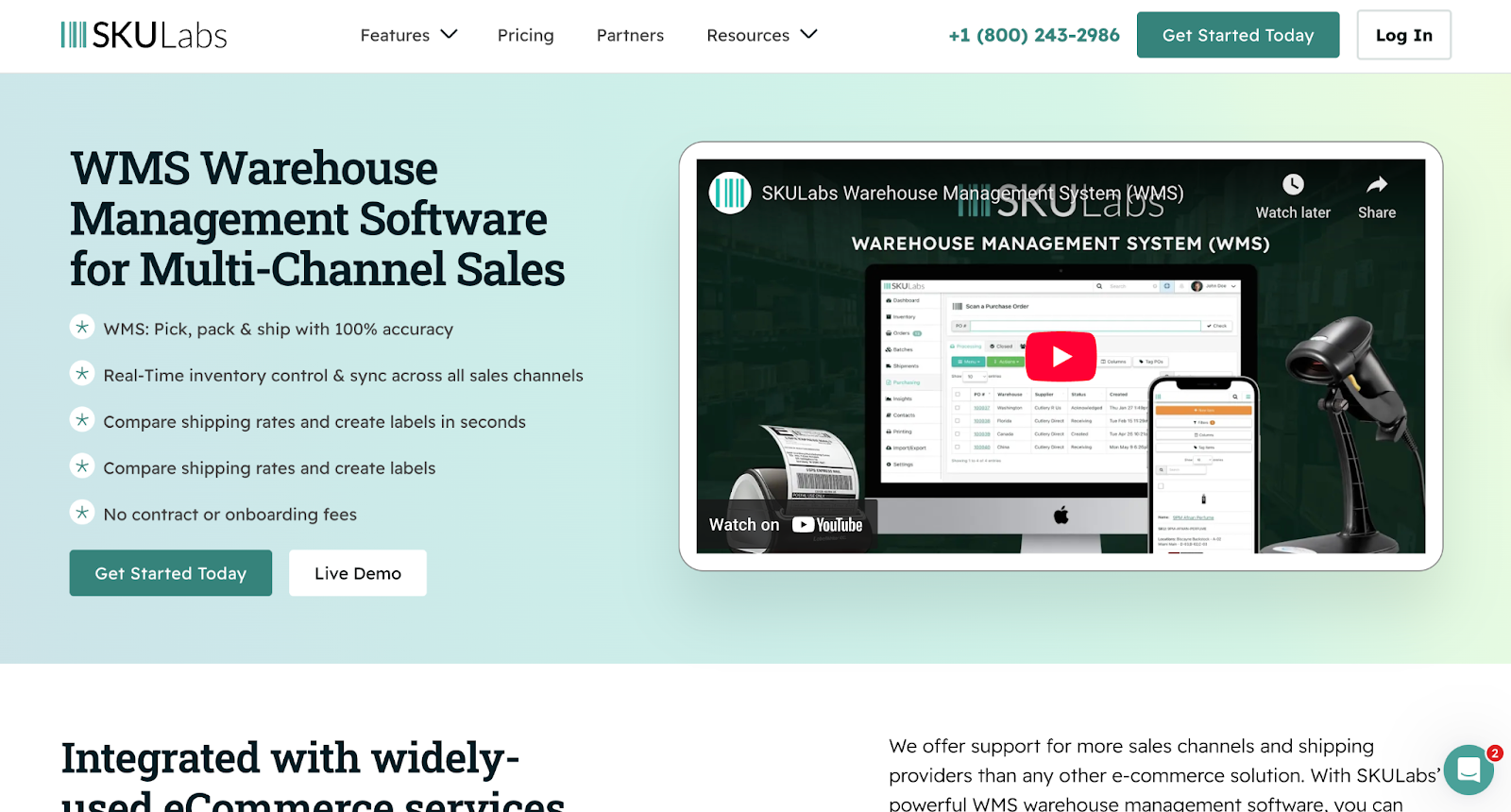
SKULabs is obsessed with the physical movement of goods. It is designed to make the picking, packing, and shipping process as error-free as possible.
Best For:
Warehouse efficiency and barcode scanning.
Overview:
SKULabs turns your mobile device into a barcode scanner.
It forces warehouse staff to scan items before packing them, virtually eliminating shipping errors (sending the wrong size or color). It integrates directly with BigCommerce to pull orders and push back tracking info.
Key Features:
- Mobile Picking: Pick orders using a tablet or phone.
- Paperless Workflow: reduce waste and speed up fulfillment.
- Multi-Carrier Shipping: Print labels for UPS, FedEx, USPS, and DHL.
Pros:
- Accuracy: Drastically reduces return rates caused by shipping errors.
- Ease of Use: very intuitive interface for warehouse staff.
- Real-time Stock Counts: Cycle count inventory quickly using scanners.
Who is it for?
Merchants with their own warehouse who are experiencing "growing pains" like mis-shipments and inefficient picking routes.
Pricing:
SKULabs offers four main pricing tiers, starting with the Basic plan at $499/month, followed by the Growth plan at $799/month and the Pro plan at $999/month. For larger operations, the Enterprise plan starts at $1,999/month.
Final Verdict:
If your main challenge is warehouse chaos, like lost items or shipping errors, SKULabs offers a focused solution.
However, it isn't a comprehensive inventory management system. It lacks the ability to create complex applications and offers limited templating functionality. Many users report frustration with misleading claims, buggy features, and a lack of clear documentation, causing the system to fall short of expectations.
7. Katana
Most inventory software assumes you buy finished goods. Katana assumes you make them. It is a "Manufacturing ERP."
Best For:
Manufacturers and Direct-to-Consumer (D2C) brands who make their own products.
Overview:
Katana tracks raw materials (fabric, buttons, thread) and finished goods (shirts). When a BigCommerce order comes in, Katana allocates the finished good.
If you are out of stock, it can trigger a "Make Order" to tell your production team to build it, automatically deducting the necessary raw materials.
Key Features:
- Visual Production Planning: Drag-and-drop interface to prioritize manufacturing tasks.
- Bill of Materials (BOM): detailed recipes for every product.
- Shop Floor Control: App for workers to track time and material usage.
Pros:
- Visual Interface: Arguably the most beautiful and modern interface in the industry.
- Raw Material Tracking: Essential for makers who need to track components.
- Smart Auto-Booking: Automatically commits inventory to orders.
Who is it for?
BigCommerce merchants who manufacture their own goods, such as artisanal food brands, furniture makers, or boutique fashion labels.
Pricing:
Pay only for what you need with Katana. Starting at $299 per month, our pricing scales with your growth. The Core Plan is fully customizable, with no per-seat fees or mandatory upgrades. Every plan includes unlimited users, integrations, and SKUs.
Final Verdict:
Katana is tailored for makers and fills its niche exceptionally well. Traditional inventory tools can be frustrating, but Katana feels purpose-built for creators.
Katana has faced criticism for steep price increases and poor customer service, with users citing expensive add-ons, punitive pricing, and a lack of support for small manufacturers. Its pricing and practices may make it less suitable for smaller makers or businesses reselling finished goods.
8. Zoho Inventory
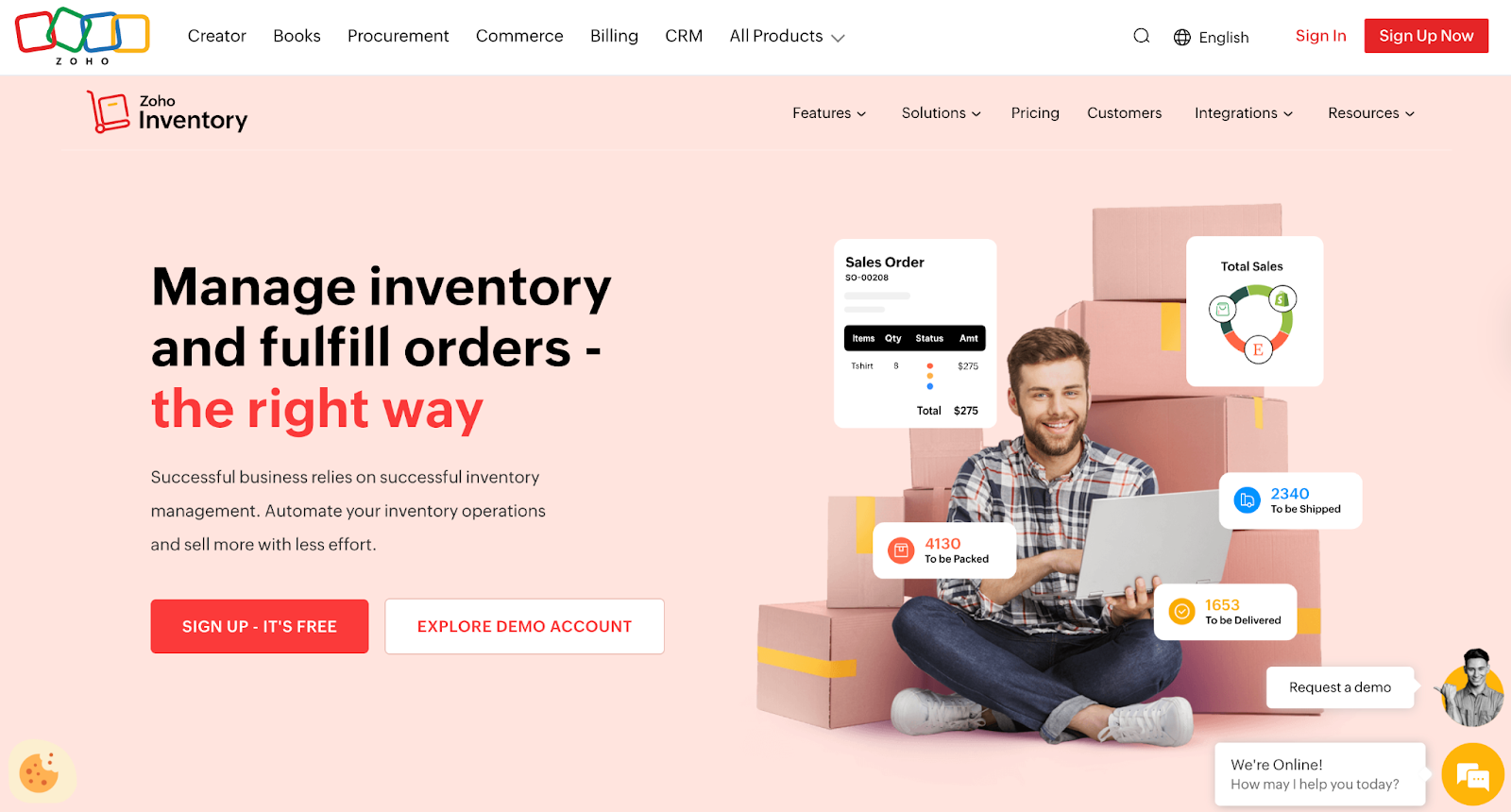
Zoho is a massive software company offering everything from email to CRM. Zoho Inventory is their module for stock management.
Best For:
Budget-conscious businesses and users of the Zoho Ecosystem.
Overview:
Zoho Inventory is a solid, no-frills solution that covers the basics well: stock tracking, order management, and shipping integrations.
Its superpower is its integration with Zoho Books (accounting) and Zoho CRM.
Key Features:
- Serial Number Tracking: Track individual units (great for electronics).
- Batch Tracking: Track expiration dates (great for perishables).
- Mobile App: excellent app for managing stock on the go.
Pros:
- Affordable: one of the most cost-effective options on the market.
- Ecosystem: Seamless data flow if you use other Zoho products.
- Free Plan: offers a limited free plan for very small startups.
Who is it for?
Startups and small businesses that need professional features (like serial tracking) without the enterprise price tag.
Pricing:
Zoho Inventory offers flexible pricing plans, starting with a free option for small businesses that supports up to 50 orders per month. Paid plans range from the Standard plan at $29/month to the Enterprise plan at $249/month (billed annually), providing increased order limits, additional users, more locations, and advanced features like serial number tracking and Zoho Analytics.
Final Verdict:
Zoho Inventory is a solid entry-level choice, especially for BigCommerce stores. While its user interface can feel dated and it lacks some advanced integrations, the biggest drawback is the monthly order limits, which can hinder growing businesses.
Additionally, some users have noted a lack of basic features and poor customer support, leading them to seek alternatives.
9. Ecomdash
Ecomdash is known for its broad range of integrations and its focus on automation for smaller teams.
Best For:
Small businesses selling on unique or niche channels.
Overview:
Ecomdash acts as a data hub. It connects to BigCommerce and dozens of other platforms, syncing inventory quickly.
It is particularly good at listing management - helping you push product data from one central catalog to different marketplaces.
Key Features:
- Listing Tool: Create and edit listings on channels like eBay and Etsy from Ecomdash.
- Dropship Management: Basic tools for routing orders to suppliers.
- Inventory Sync: Fast and reliable frequency of updates.
Pros:
- Flat Pricing: Unlike many competitors, they don't charge based on order volume (historically).
- Versatile: Connects to many smaller, niche marketplaces.
Who is it for?
Small teams managing a wide footprint of sales channels who need a reliable sync engine.
Pricing:
Ecomdash charges based on the number of sales orders you process each month.
Final Verdict:
A reliable workhorse for small businesses that prioritize multi-channel listing management.
However, its feature set may feel limited for larger brands or those needing more advanced automation and marketing tools.
10. Fishbowl
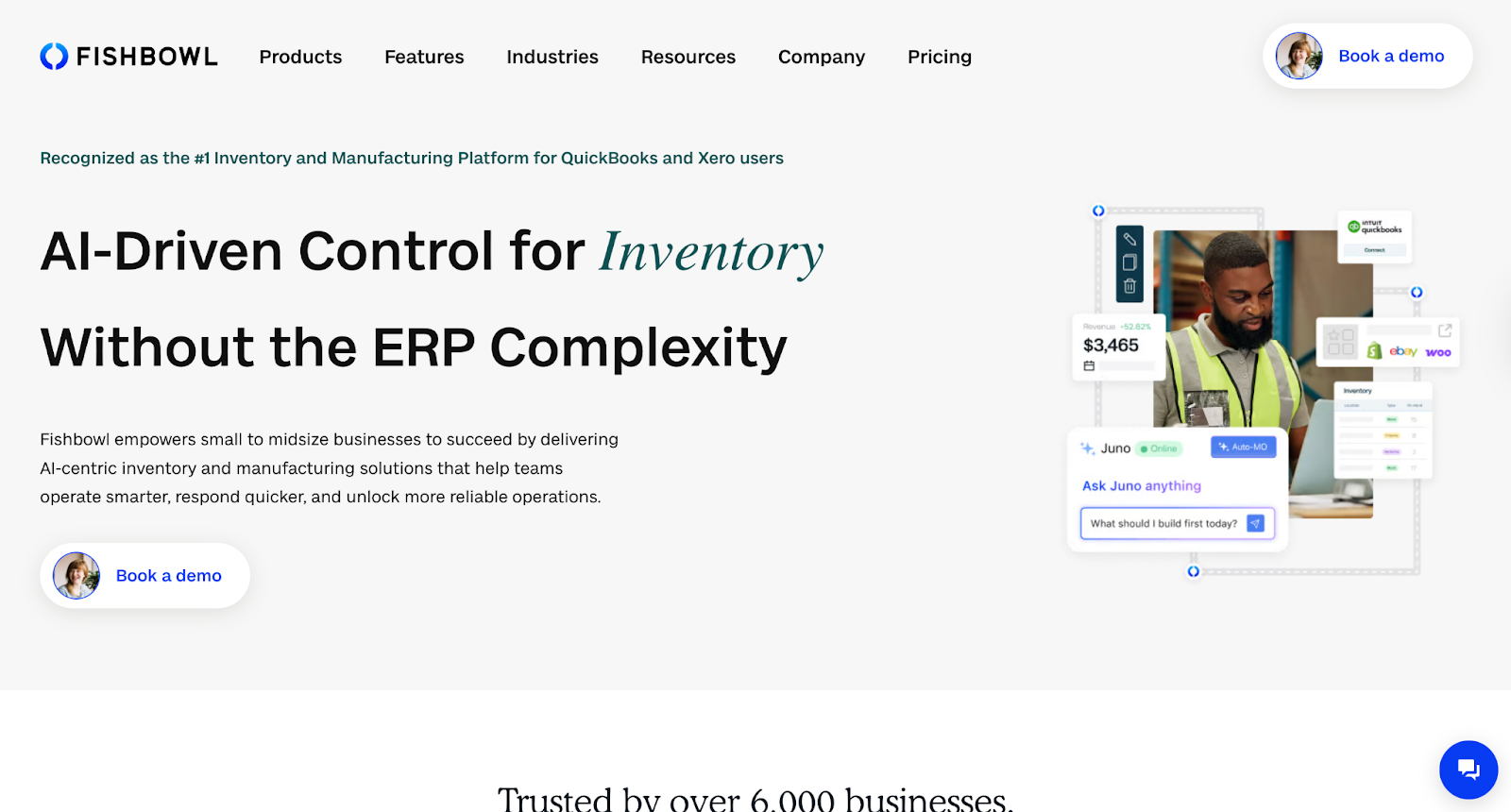
Fishbowl is the #1 inventory management software for QuickBooks users.
It bridges the gap between accounting and physical warehousing.
Best For:
QuickBooks users and Warehouse-heavy operations.
Overview:
Fishbowl is a desktop-first application (with cloud options) that offers deep warehouse functionality. It is robust, capable of handling complex manufacturing, barcode scanning, and asset tracking. It pushes financial data seamlessly into QuickBooks.
Key Features:
- QuickBooks Integration: The gold standard for syncing inventory data to QB.
- Manufacturing: Robust Bills of Materials and work orders.
- Asset Tracking: Track equipment and assets, not just inventory.
Pros:
- Depth: Extremely feature-rich for warehouse management.
- Ownership: You can buy a perpetual license rather than just SaaS subscriptions (model dependent).
Who is it for?
Businesses deeply entrenched in the QuickBooks ecosystem who need heavy-duty warehouse tools.
Pricing:
Plans start at $229/month for smaller teams and scale to $729/month or more for high-volume operations with advanced needs.
Final Verdict:
If your accountant lives in QuickBooks and your warehouse manager needs granular control, Fishbowl is the bridge.
However, be prepared for a steep learning curve and a significant upfront investment. Some users report bugs and crashes that disrupt daily workflow, while others find the reporting tools cumbersome and lacking customization. Additionally, many users highlight problems with accounting and refunds, citing limited support and integration errors.
How to Choose the Best Inventory Management Software for BigCommerce
With so many options available, selecting the right solution can feel overwhelming.
Here's a practical framework to help you make an informed decision.
1. Define Your Fulfillment Model First
Your fulfillment approach should drive your software choice.
For dropship or extended assortment models, you need supplier orchestration capabilities, including automated order routing to partners, real-time inventory syncing across multiple suppliers, and streamlined partner onboarding workflows. Traditional inventory systems aren't built for multi-party fulfillment complexity.
If you're manufacturing or kitting products, focus on bill-of-materials (BOM) support, production planning, and raw materials tracking. For hybrid models that combine owned inventory with partner fulfillment, choose platforms that can handle both without creating operational silos or requiring multiple systems.
2. Evaluate Synchronization Speed and Reliability
Sync frequency matters more than most retailers realize. A 15-minute delay during high-traffic periods can lead to overselling, cancellations, and damaged customer trust.
Ask potential vendors how frequently inventory updates happen, whether it's real-time or batched. Understand what happens during API rate limit issues or connection failures, and confirm the system can handle traffic spikes during flash sales or promotions.
For dropship or marketplace models, real-time sync becomes even more critical since you're coordinating inventory across multiple independent systems.
3. Map Your Integration Ecosystem
The best inventory software fits seamlessly into your existing stack.
Before evaluating features, audit every system you currently use: shipping platforms, accounting software, marketing automation tools, point of sale systems, fulfillment partners and warehouses, and other sales channels like online marketplaces or social commerce platforms.
Look for native integrations rather than middleware solutions. API-first architecture is essential if you're building custom workflows or have unique operational requirements. The goal is to avoid creating data silos or manual handoffs between systems that slow down operations and introduce errors.
4. Balance Power with Usability
Enterprise-grade platforms offer sophisticated capabilities but often require dedicated implementation teams and ongoing technical support. Simpler tools are faster to deploy but may limit your growth.
Consider your team's technical capabilities and whether you have resources in-house. Think about your implementation timeline and whether you can afford a three-to-six month setup, or if you need to go live in weeks. Evaluate your operational complexity, whether you're managing hundreds of SKUs or tens of thousands, and consider your future state to ensure the system will still work when your GMV doubles.
Don't over-engineer for capabilities you won't use, but avoid platforms you'll outgrow within 18 months.
5. Address Category-Specific Requirements
Different product types demand different capabilities.
Fashion and apparel retailers need variant-heavy catalog support for size, color, and fit, along with seasonality management and style groupings. Food and beverage businesses require batch and lot tracking, expiration date management, and first-in-first-out logic.
Electronics sellers need serial number tracking, warranty management, and multi-location fulfillment. Marketplace or multi-brand operations require partner onboarding workflows, automated payouts, distributed fulfillment tracking, and supplier performance monitoring. Personalized or made-to-order businesses need custom product data, production workflow management, and lead time flexibility.
6. Consider Operational Automation Depth
The most overlooked factor is how much manual work remains after implementation.
Ask whether order routing happens automatically or if you still need to review and assign orders. Confirm that inventory adjustments, returns, and refunds are reflected instantly across all channels. Check if the system can handle split shipments, partial fulfillments, and backorders intelligently.
If you're working with suppliers or partners, verify that payouts, invoicing, and reconciliation are automated.
Manual processes create bottlenecks. The right system should reduce operational overhead as you scale, not just organize it differently.
7. Assess Flexibility for Evolving Business Models
Your business will change, so make sure your inventory system can adapt.
Evaluate whether you can easily add new sales channels or marketplaces, and confirm the platform supports testing new fulfillment models like adding dropship capabilities, trying wholesale, or launching B2B operations. Check if you can onboard new suppliers, warehouses, or third-party logistics providers without major re-implementation, and understand whether the pricing model is usage-based or if costs will spike unpredictably as you grow.
The best software decisions account for where you're going, not just where you are today.
How Carro Solves the Inventory Puzzle
Traditional inventory management is about controlling what you have. Carro is about expanding what you sell.
For BigCommerce merchants in 2026, the biggest barrier to growth isn't managing the warehouse - it's having enough of the right products to satisfy customers.
Instead of just tracking the inventory you own, Carro allows you to expand your product catalog by selling goods from other top-tier brands - without ever holding the stock yourself.
Imagine being able to:
- Launch New Categories, Risk-Free: Want to find out if your customers will buy camping gear? Instead of buying thousands of dollars in stock, partner with a top camping brand on Carro and start selling their products instantly. No inventory risk, no warehousing fees.
- Reduce Out-of-Stock Gaps: When your own inventory runs low, Carro's partner network gives you access to complementary products that can keep customers engaged and sales flowing - without emergency restocking.
- Focus on Your Brand, Not on Boxing Products: Let your supplier partners handle the logistics of picking, packing, and shipping. You get to focus on what you do best: building a beautiful BigCommerce store and a loyal community around your brand.
Carro integrates seamlessly with your ecosystem, handling the complex backend work of splitting orders, syncing inventory, and paying suppliers. It is the ultimate tool for the modern, agile retailer.
Everything You Need to Know About BigCommerce Inventory Management
Frequently Asked Questions (FAQs)
What is BigCommerce inventory management software?
BigCommerce inventory management software is a third-party application that connects to your store to track stock levels, manage orders, and sync inventory across multiple sales channels. It replaces manual spreadsheets with automated workflows to prevent overselling and streamline fulfillment.
Can BigCommerce manage inventory natively?
Yes, BigCommerce has native inventory tracking features. You can track stock counts, set low-stock alerts, and manage variants. However, for businesses selling on multiple channels (like Amazon + BigCommerce) or with multiple warehouses, the native features are often insufficient, necessitating specialized inventory management solutions.
What is the best overall inventory management software for BigCommerce?
For BigCommerce stores, Carro stands out as the best overall inventory management software for catalog expansion and dropship operations. While it isn't a traditional inventory management tool, it's the strongest choice for retailers and marketplaces looking to grow assortment without holding stock.
How much does inventory management software for BigCommerce cost?
The cost of inventory solutions for BigCommerce varies depending on your needs. Startups can choose free options with basic features, while advanced solutions like Carro offer flexible pricing. The Build Plan costs $149/month plus a 7% fee per sale and includes unlimited partnerships. For larger businesses, the Scale Plan is $299/month with a reduced 5% fee and includes white-glove onboarding and a dedicated merchandising manager. Custom Enterprise plans are also available for high-volume businesses needing advanced features.
Will Carro be too complex or time-consuming to implement?
Not at all. Carro is designed for a quick, easy setup, getting you to market in weeks, not months. With pre-built integrations for BigCommerce, Shopify, WooCommerce, and Adobe Commerce (Magento), plus EDI and SFTP support, you can expand your product catalog without complex development.


Related Posts
.png)
.png)
.png)
