Best Inventory Management Software for WooCommerce in 2026 (Feature & Pricing Comparison)
Discover the best inventory management software for WooCommerce in 2026. Compare features, pricing, and find the perfect solution for your store.

Key Takeaways (TL;DR)
- Best Overall Choice: Carro is the top pick for the best inventory management software for WooCommerce because it transforms inventory from a cost center into a profit engine. It enables you to expand your catalog by selling products from other top brands without any inventory risk.
- Native Tools Are Not Enough: While WooCommerce has basic stock tracking, it lacks the advanced features needed for scaling, such as multi-location management, demand forecasting, and robust reporting.
- Automation is Essential: The best solutions automate repetitive tasks like stock updates, order routing, and low-stock alerts, freeing up your time to focus on growth.
- Integration is Key: Your inventory system must connect seamlessly with your entire tech stack, including accounting software, shipping carriers, and other sales channels, to create a single source of truth.
- Scalability Defines Your Choice: Select a tool that not only solves today's problems but can also grow with your business, whether you're a startup or a multi-warehouse enterprise.
Top WooCommerce Inventory Management Software in 2026: At a Glance
| Software | Best For | Key Strengths | Pricing |
|---|---|---|---|
| Carro | Ambitious WooCommerce store owners wanting to scale rapidly without financial constraints of purchasing inventory; retailers looking to become a one-stop shop in their niche | Curated brand discovery network, automated order routing, real-time inventory & product sync, instant supplier payouts, catalog expansion without warehouse costs | Build: $149/mo + 7% per sale Scale: $299/mo + 5% per sale Enterprise: Custom pricing |
| Cin7 | Established mid-market retailers who have outgrown basic inventory plugins and juggle sales from WooCommerce, physical stores, and multiple online marketplaces | Multi-channel syncing, B2B wholesale portal, built-in POS integration, 3PL and warehouse management, light manufacturing with BOMs | Standard: $349/mo (up to $1M annual revenue) Advanced plans available for larger operations |
| ATUM | New and small WooCommerce stores needing more power than default tools but aren't ready for paid subscription; budget-conscious entrepreneurs | Stock Central dashboard, purchase order management, supplier management, advanced search & filtering, modular design with premium add-ons | Core plugin: Free Premium add-ons: $49–$149 each per year |
| Zoho Inventory | Small to medium-sized businesses, especially those already using or planning to use other Zoho products (Zoho Books, CRM, Analytics) | End-to-end tracking, multi-channel integration, warehouse management, serial & batch tracking, shipping integrations with 40+ carriers | Free plan (up to 50 orders/mo) Standard: $29/mo Enterprise: $249/mo (billed annually) |
| NetSuite | Large, complex enterprises needing comprehensive system to manage global operations; companies operating at scale with multi-subsidiary needs | Demand planning with sophisticated algorithms, multi-subsidiary management, advanced supply chain management, landed cost tracking, unified ERP platform | Custom pricing based on company size, user count, and modules; expect six-figure first-year investment |
| Katana | WooCommerce stores that assemble, craft, or manufacture their own products (fashion, food & beverage, cosmetics, jewelry, custom furniture) | Bill of Materials (BOMs), production planning with visual drag-and-drop, raw material inventory management, Shop Floor App for production teams | Starting at $299/mo Unlimited users, integrations, and SKUs Pay-as-you-grow model |
| Veeqo | Growing multi-channel sellers who are budget-conscious but need robust tool to manage inventory and fulfillment; stores selling on multiple marketplaces | Free multi-channel inventory sync, discounted shipping rates, warehouse management tools with picker scanner app, powerful reporting | Free "Shipping" plan (unlimited orders, users, integrations) Paid plans from $19/mo for advanced features |
Why Your WooCommerce Store Needs More Than Basic Inventory Control
Running a WooCommerce store gives you incredible flexibility, but that freedom comes with responsibility.
Out of the box, WooCommerce offers a way to enter a stock quantity and have it count down with each sale. For a brand-new store with a handful of products, that might be enough. But what happens when you start to grow?
Imagine this: you've just run a successful marketing campaign. Orders are flooding in. A customer buys your last blue T-shirt, but at the same time, another customer checks out with the same item. Now you have an oversell.
According to a McKinsey study on retail operations, oversells and stockouts like this contribute to up to 10% of lost revenue for growing e-commerce businesses, amplifying small errors into major profitability hits. You have to send an apology email, process a refund, and absorb the cost of a negative customer experience.
This is where the cracks in WooCommerce's native inventory system begin to show. It can't handle multiple warehouses, it offers no insights into sales velocity, and it provides no tools for forecasting demand. Manually tracking stock in spreadsheets is a recipe for human error, lost sales, and wasted capital tied up in slow-moving products.
Effective WooCommerce inventory management software isn't just a nice-to-have; it's the operational backbone of a scalable e-commerce business. It moves you from reactive problem-solving to proactive, data-driven decision-making.
The Benefits of a Dedicated WooCommerce Inventory Management Solution
Integrating a dedicated inventory management software platform with your WordPress store unlocks a new level of operational efficiency and strategic insight.
Here are the core benefits you can expect:
- Prevent Stockouts and Overselling: Real-time, multi-channel syncing ensures your stock levels are accurate everywhere you sell, from your WooCommerce site to marketplaces like Amazon or eBay. This eliminates the risk of selling items you don't have.
- Automate Manual Tasks: Say goodbye to endless hours spent updating spreadsheets. A good system automates stock adjustments, generates low-stock alerts, and can even create purchase orders automatically, freeing up your team for more valuable work.
- Unlock Data-Driven Insights: Understand which products are your bestsellers and which are collecting dust. Advanced reporting helps you analyze sales trends, calculate inventory turnover, and make smarter purchasing decisions to optimize cash flow.
- Efficiently Manage Multiple Locations: For businesses with multiple warehouses, retail stores, or 3PL partners, a centralized system is essential. It allows you to track stock at each location and implement smart order routing rules to reduce shipping times and costs.
- Improve Customer Satisfaction: Accurate inventory data means fewer canceled orders, faster fulfillment, and a more reliable shopping experience. Happy customers are repeat customers.
The Best Inventory Management Software for WooCommerce in 2026
We’ve analyzed the market to bring you a definitive WooCommerce inventory management plugin tools comparison.
Here’s how the top contenders stack up for 2026.
1. Carro
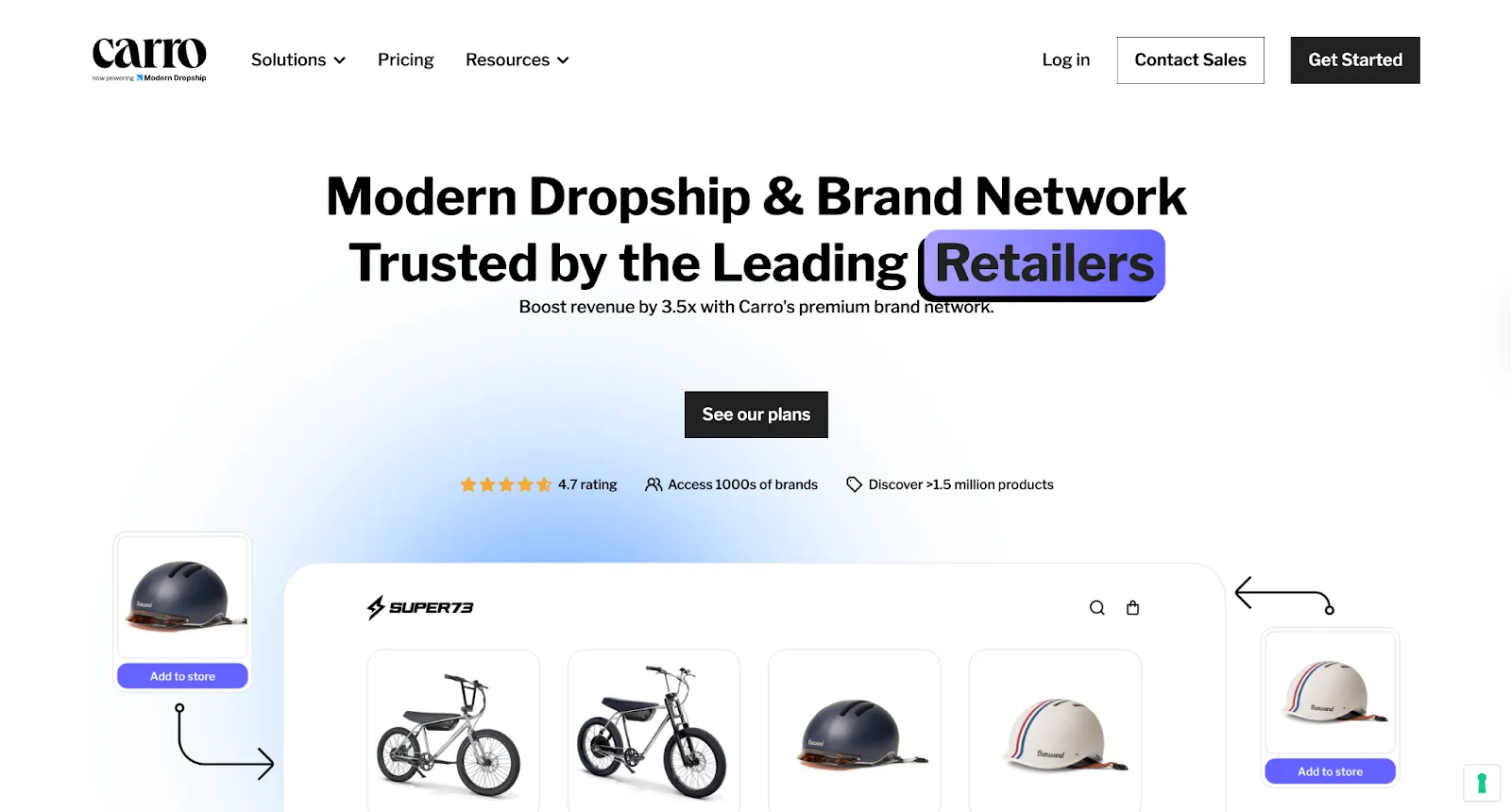
Instead of just tracking the inventory you own, Carro allows you to expand your product catalog by selling goods from other top-tier brands - without ever holding the stock yourself.
It's a revolutionary approach that transforms inventory management software for WooCommerce from a simple tracking tool into a powerful growth engine.
Overview
Carro is a collaborative commerce platform that empowers retailers and suppliers to create powerful brand partnerships.
Carro lets you sell each other’s products directly on your existing online store, expanding your catalog and growing revenue without the risk of holding inventory.
By connecting with trusted brand partners, we enable you to test new categories, fill assortment gaps, and boost revenue without the risks of traditional stock management. Its automation streamlines everything - from supplier onboarding and product syncing to order routing and payouts - for a seamless experience.
For WooCommerce and Magento users, Carro transforms inventory limitations into opportunities.
Add products from an extensive network of partner brands to your store in minutes, creating a "virtual inventory" to scale your offerings.
When a customer buys a partner product, the order is automatically routed to the supplier brand for fulfillment. You earn a commission without ever touching the product or investing in inventory.
This modern, asset-light model enables scalable growth, helping you focus on your business and customer experience.
Key Features
- Curated Brand Discovery Network: This isn't just any supplier list. Gain access to Carro's exclusive network of thousands of premium, vetted brands that are ready to partner and help you grow. Our team helps you find and partner with complementary brands that align with your audience, ensuring a relevant product expansion.
- Automated Order Routing: Imagine a customer buys one of your products and one from a partner. Carro’s smart system automatically splits the order, sending it to the right place for fulfillment. You get the sale, the supplier ships the product, and your customer gets a seamless experience - all with zero manual work.
- Real-Time Inventory & Product Sync: Partner product availability, pricing, and details are synced in real-time, preventing overselling and ensuring your virtual shelves are always accurately stocked.
- Seamless Platform Integration: Carro offers deep integrations with major e-commerce platforms, including native support for Shopify, BigCommerce, and more.
- Instant Supplier Payouts: The platform handles all financial settlements automatically, paying your brand partners instantly upon a successful sale so you don't have to.
Pros
- Expand Your Catalog, Not Your Warehouse: Imagine instantly adding thousands of complementary products from trusted brands to your store. With Carro, you can do this without any capital investment in stock. Forget warehousing and fulfillment costs for partner products - Carro handles it all.
- Boost Your Average Order Value: By offering a wider, more compelling product selection, you naturally encourage customers to add more to their carts. This drives up your revenue with every single transaction and creates powerful new revenue streams.
- Eliminate Inventory Risk & Go to Market Faster: Want to test new product categories and jump on market trends instantly? Now you can. Since you don't hold the inventory, there's no risk of unsold stock or balance sheet liabilities, removing the long lead times of traditional purchasing.
- Partner with Premium Brands, Not Generic Suppliers: Move beyond the world of generic dropship suppliers. Carro connects you with high-quality, vetted brand partners that align with your values and will delight your customers, strengthening your own store's credibility.
Cons
- It's not a traditional WMS; it’s designed for catalog expansion, not for managing your own physical warehouse logistics (though it integrates with systems that do).
Who is it for?
Carro is perfect for ambitious WooCommerce store owners who want to scale their business rapidly without the financial constraints of purchasing inventory. It’s ideal for retailers looking to become a one-stop shop in their niche, increase customer lifetime value, and monetize their store traffic more effectively.
Pricing
Carro offers several tiers, starting with the Build Plan at $149/month (plus a 7% fee per sale), which includes unlimited partnerships. The Scale Plan at $299/month lowers the fee to 5% and adds white-glove onboarding and a dedicated merchandising manager. Custom Enterprise plans are also available.
Final Verdict
For stores ready to move beyond the limitations of traditional inventory, Carro offers the best overall inventory management software for WooCommerce by completely eliminating the problem it's meant to solve. It provides a path to exponential growth, making it our top recommendation for 2026.
2. Cin7
Overview
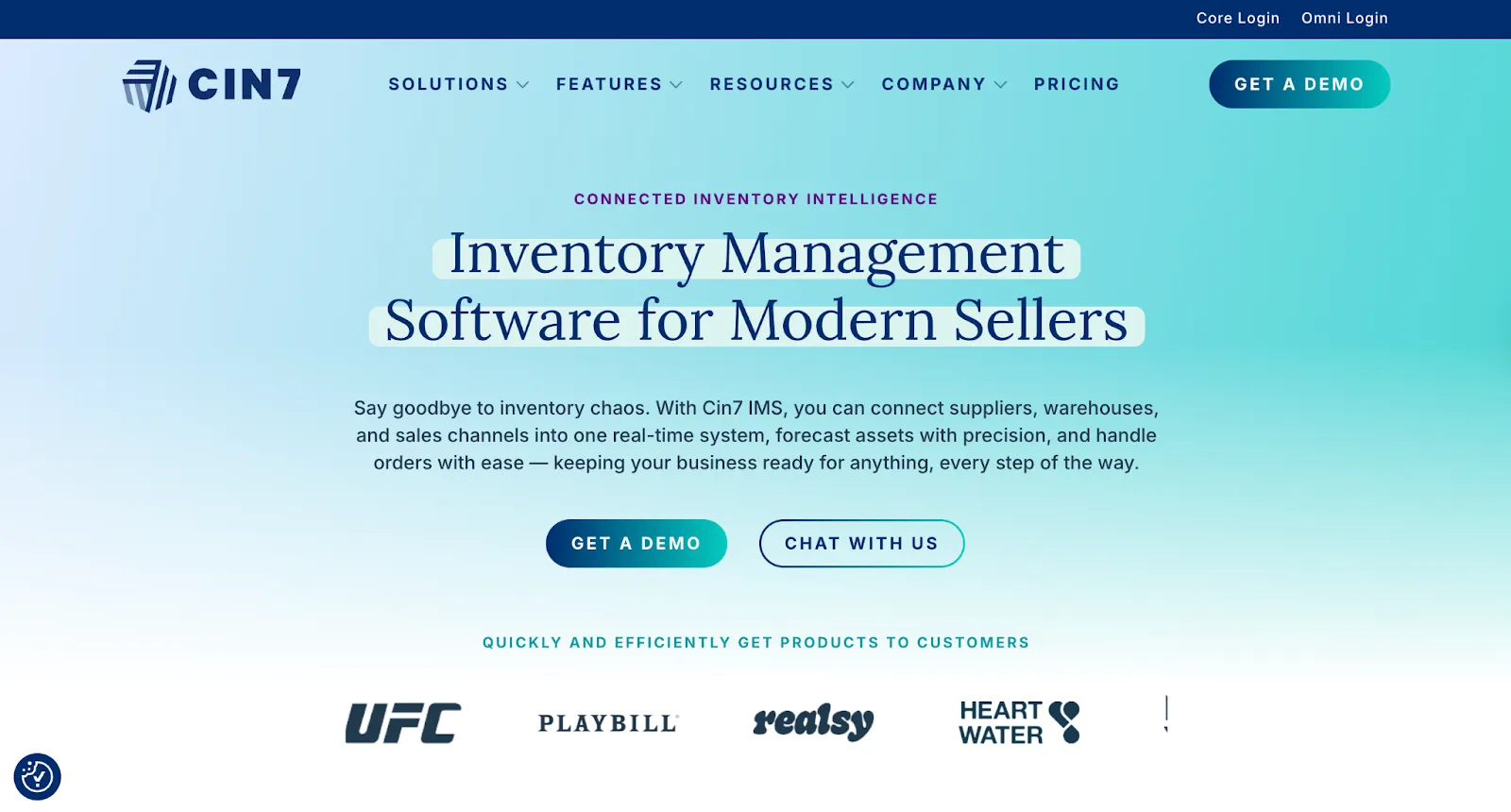
Cin7 is a powerful, all-in-one inventory management platform built for businesses that sell across multiple channels and locations.
It acts as a central hub, connecting your WooCommerce store, physical retail POS, B2B wholesale portal, and marketplace listings (like Amazon and eBay) into one cohesive system.
Its "Connected Inventory" philosophy ensures that when a product sells anywhere, the stock level is updated everywhere in real time.
Key Features
- Multi-Channel Syncing: Natively integrates with dozens of e-commerce platforms, marketplaces, and POS systems.
- B2B Wholesale Portal: Provides a dedicated portal for your wholesale customers to place orders, view custom pricing, and manage their accounts.
- POS Integration: Features a built-in Point of Sale system, making it ideal for retailers with both online and brick-and-mortar stores.
- 3PL and Warehouse Management: Offers robust tools for managing your own warehouse or connecting seamlessly with third-party logistics (3PL) providers.
- Light Manufacturing: Includes features for managing bills of materials (BOMs) and assembling kits or finished goods.
Pros
- Handles complex multi-channel and multi-location operations with ease.
- Strong B2B and wholesale functionality.
- Excellent automation for order routing and fulfillment.
Cons
- Steep learning curve; the interface can be complex for new users.
- Higher price point compared to simpler solutions.
Who is it for?
Cin7 is built for established, mid-market retailers who have outgrown basic inventory plugins. If you're juggling sales from your WooCommerce site, a physical store, and multiple online marketplaces, Cin7 will bring order to the chaos.
Pricing
Cin7’s pricing starts at $349/month for the Standard plan, which is geared towards businesses with up to $1M in annual revenue. More advanced plans are available for larger operations.
Final Verdict
While Cin7 is a powerful solution for complex, multi-channel businesses, it comes with a significant price tag. The steep investment might be a barrier for smaller brands or those with tight budgets, making it less accessible for businesses that aren't ready to commit to its high cost.
3. ATUM Inventory Management
Overview
ATUM is a completely free inventory management plugin designed to meet the needs of users requiring essential inventory control. It’s available directly from the WordPress repository and will always remain free. For those looking to enhance their inventory management, premium add-ons are also available.
Designed specifically for WooCommerce, it aims to give professional-level control over your stock directly from your WordPress dashboard.
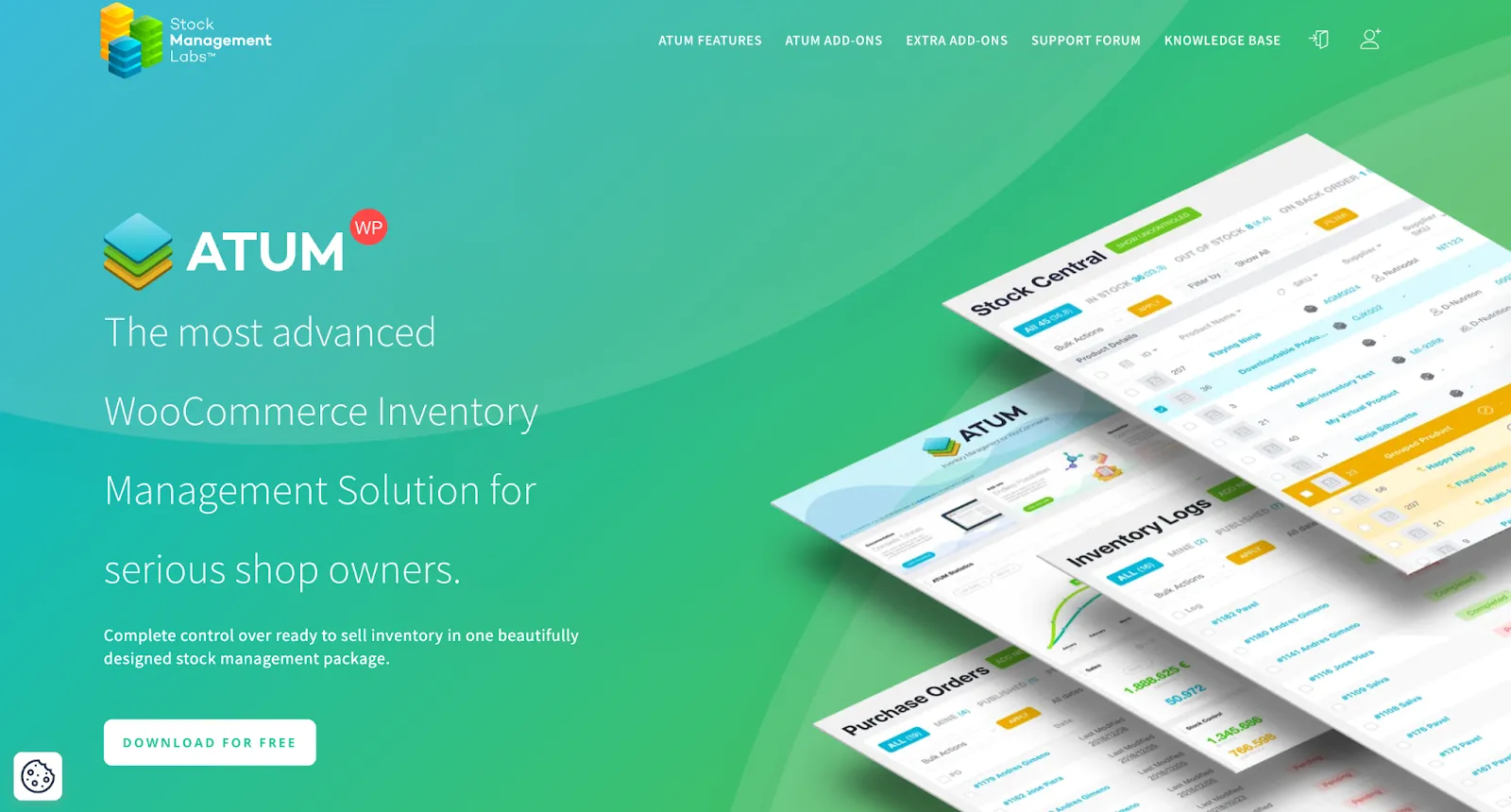
Its central feature, "Stock Central," provides a spreadsheet-like interface where you can see and edit all your inventory data in one place.
Key Features
- Stock Central Dashboard: A single-screen view of your entire inventory, including stock levels, pricing, weight, and supplier information.
- Purchase Order Management: Create, edit, and manage purchase orders to send to your suppliers.
- Supplier Management: Keep a directory of your suppliers and assign products to them for easy reordering.
- Advanced Search & Filtering: Quickly find products using a wide range of filters.
- Inventory Logs: Track every change made to your stock for complete auditability (premium add-on).
Pros
- Extremely powerful for a free plugin.
- Intuitive "Stock Central" interface simplifies bulk edits.
- Modular design with premium add-ons allows you to pay only for the features you need.
Cons
- Some essential features, like multi-location management and inventory logs, require paid add-ons.
- Support for the free version is limited to community forums.
Who is it for?
ATUM is the perfect starting point for new and small WooCommerce stores that need more power than the default tools but aren't ready for a paid subscription. It provides a professional framework that can grow with your business via its premium add-ons.
Pricing
The core ATUM plugin is Free. Premium add-ons range from around $49 to $149 each per year, allowing you to build a custom solution.
Final Verdict
ATUM is hands-down the best free inventory management software for WordPress and WooCommerce. It offers functionality that rivals some paid solutions, making it an incredible value for budget-conscious entrepreneurs. However, its reliance on paid add-ons for more advanced features like multi-inventory and purchase order management can become costly, and support is limited to community forums for free users.
4. Zoho Inventory
Overview
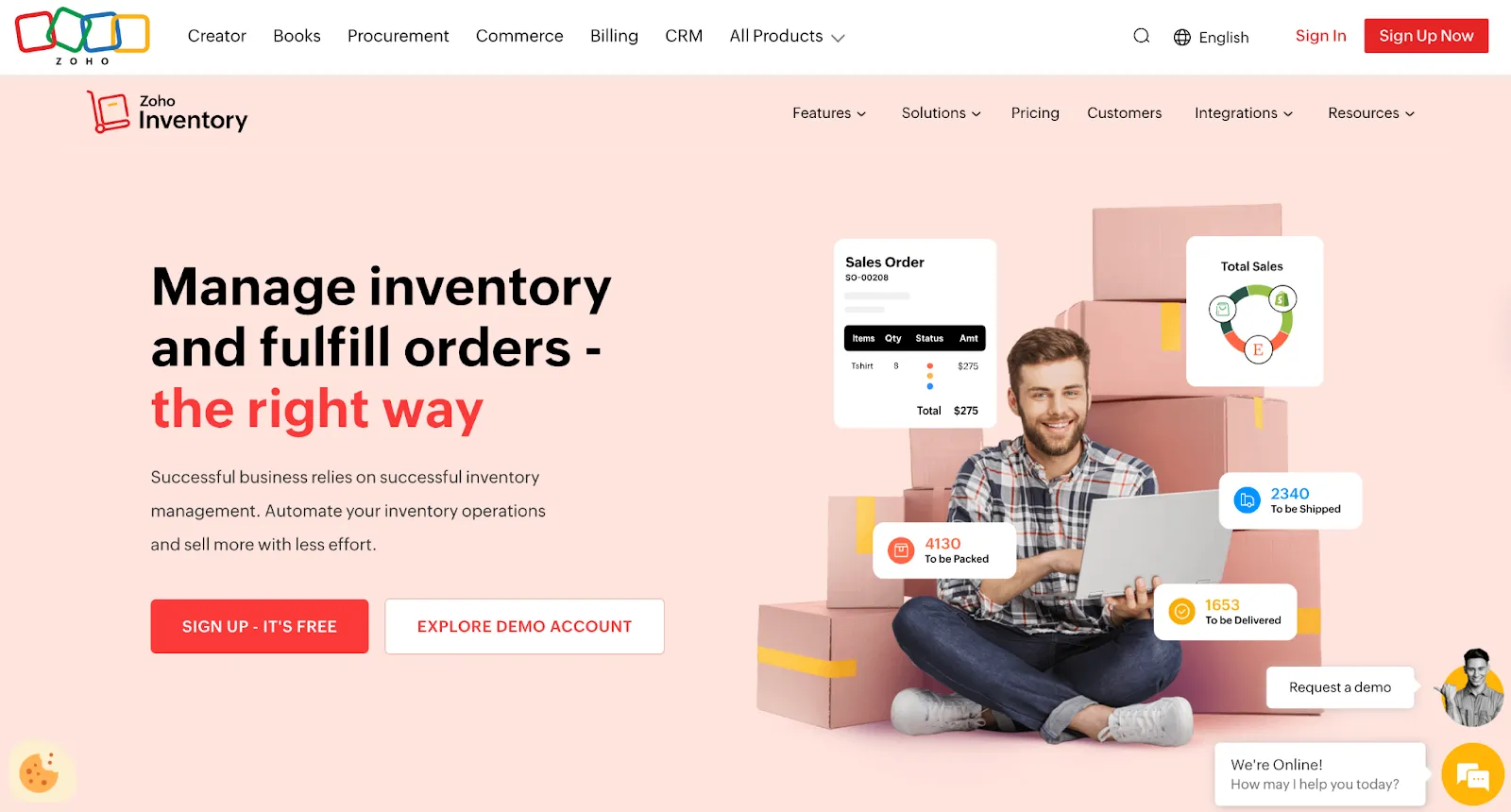
Zoho Inventory is a standalone inventory management powerhouse that is part of the massive Zoho suite of business applications.
Its greatest strength lies in its seamless integration with other Zoho products like Zoho Books (accounting), Zoho CRM (customer relationship management), and Zoho Analytics. This creates a deeply interconnected ecosystem for managing your entire business.
Key Features
- End-to-End Tracking: Track every unit from purchase order to packing slip to sales invoice.
- Multi-Channel Integration: Syncs inventory with your WooCommerce store, as well as Amazon, eBay, and Etsy.
- Warehouse Management: Manage stock across multiple warehouses, track transfers, and generate location-specific reports.
- Serial & Batch Tracking: Essential for businesses selling electronics, food, or medical supplies that require item-level traceability.
- Shipping Integrations: Integrates directly with over 40 shipping carriers to get real-time rates and print labels.
Pros
- Generous free plan for small businesses.
- Unbeatable integration with the wider Zoho ecosystem.
- Excellent mobile app for managing inventory on the go.
Cons
- The interface can feel a bit dated compared to more modern UIs.
- Can become expensive as you move up the pricing tiers.
Who is it for?
Zoho Inventory is a fantastic choice for small to medium-sized businesses, especially those already using or planning to use other Zoho products. It offers enterprise-grade features at an accessible price point.
Pricing
Zoho Inventory offers a range of pricing plans, starting with a free option for small businesses that covers up to 50 orders per month. Paid plans scale from the Standard plan at $29/month to the Enterprise plan at $249/month (billed annually), adding more orders, users, locations, and advanced features like serial number tracking and Zoho Analytics.
Final Verdict
If you're invested in the Zoho ecosystem, using Zoho Inventory is a no-brainer. Even as a standalone product, it offers a robust and scalable solution that can compete with the best in the market. However, its reporting capabilities can be limiting for complex analysis, and the user interface may feel less intuitive compared to more modern, specialized platforms.
5. NetSuite
Overview
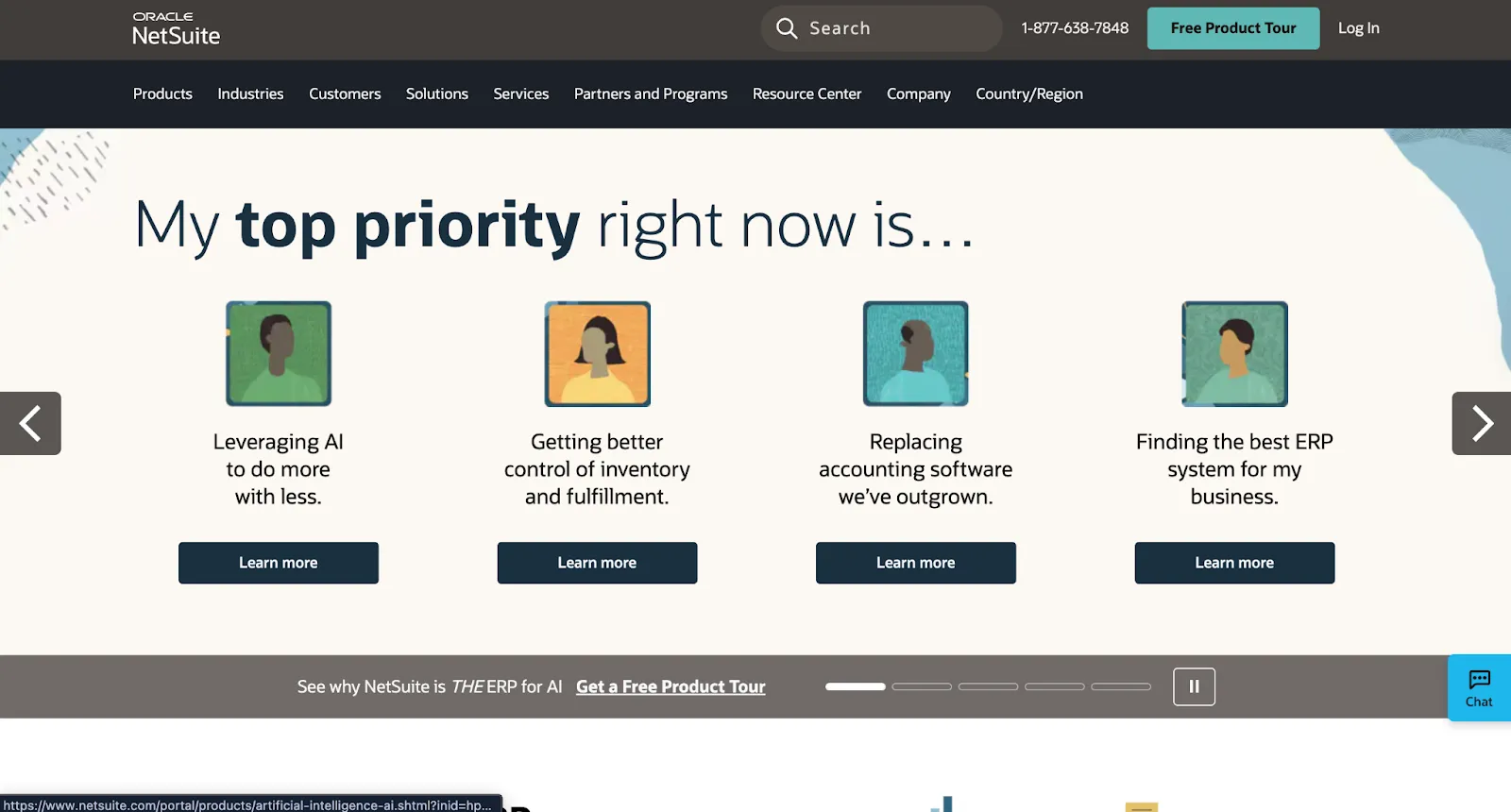
Oracle NetSuite isn't just an inventory management tool; it's a complete, cloud-based Enterprise Resource Planning (ERP) system.
It manages every aspect of your business - from financials and CRM to e-commerce and inventory - in a single, unified platform. For inventory, this means unparalleled depth, control, and visibility across the entire supply chain.
Key Features
- Demand Planning: Uses sophisticated algorithms and historical data to forecast future inventory needs and prevent stockouts.
- Multi-Subsidiary Management: Manage inventory, accounting, and taxation for multiple business entities or international branches in one system.
- Advanced Supply Chain Management: Track inventory from the factory floor to the customer's doorstep with complete lifecycle visibility.
- Landed Cost Tracking: Accurately calculate the true cost of your products by including shipping, duties, taxes, and other fees.
Pros
- A single, unified platform for your entire business.
- Infinitely scalable and customizable to fit any business process.
- Extremely powerful demand planning and financial reporting.
Cons
- Extremely expensive; requires significant investment in licensing and implementation.
- Very steep learning curve and long implementation times (months, not days).
Who is it for?
NetSuite is for large, complex enterprises that need a comprehensive system to manage global operations. It is overkill for small and most medium-sized businesses but is the gold standard for companies operating at scale.
Pricing
NetSuite pricing is entirely custom and is based on company size, user count, and required modules. Expect a significant six-figure investment for the first year.
Final Verdict
For large enterprises running on WooCommerce, NetSuite provides a fantastic level of control and integration. It's one of the most powerful solutions on this list, but its cost and complexity place it in a category of its own.
6. Katana
Overview
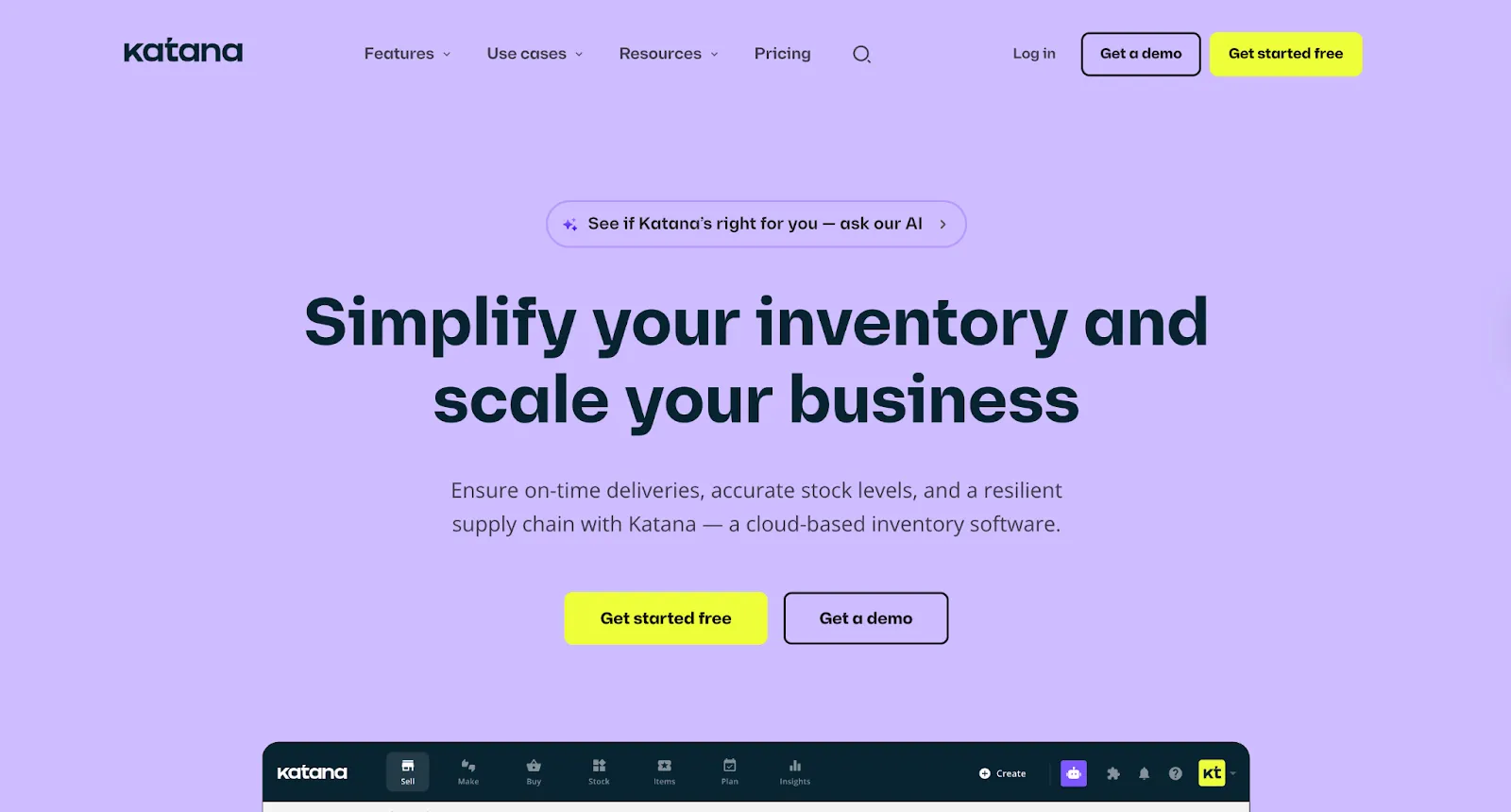
Katana is a "smart manufacturing" software built for modern direct-to-consumer (D2C) brands that make their own products.
It bridges the gap between inventory control and production management, giving you real-time visibility over both your finished goods and the raw materials needed to create them.
Key Features
- Bill of Materials (BOMs): Define recipes for your products, and Katana will automatically calculate raw material needs based on your production schedule.
- Production Planning: A visual drag-and-drop dashboard to prioritize and track manufacturing orders.
- Raw Material Inventory Management: Automatically deducts raw materials from stock as you produce goods, with low-stock alerts for components.
- Floor-Level Control: A "Shop Floor App" allows your production team to track their tasks and progress in real-time.
Pros
- Specifically designed for the needs of manufacturers.
- Excellent integration with WooCommerce, Shopify, and accounting software like Xero and QuickBooks.
- User-friendly interface that is much simpler than traditional ERPs.
Cons
- Not suitable for businesses that only resell finished goods.
- Pricing can be high for very small makers.
Who is it for?
Katana is the ideal solution for any WooCommerce store that assembles, crafts, or manufactures its own products. This includes businesses in fashion, food and beverage, cosmetics, jewelry, and custom furniture.
Pricing
Pay for what you use. Starting at $299 per month, Katana’s pricing adapts as you grow. Build on top of the Core Plan according to your needs, with no per-seat fees or forced upgrades. All plans include unlimited users, unlimited integrations, and unlimited SKUs.
Final Verdict
If you make what you sell, Katana is unparalleled. It speaks the language of production in a way that generic inventory management software for WooCommerce cannot, providing clarity and control over your entire manufacturing workflow. However, it’s not suitable for businesses that only resell finished goods, and the pricing can be high for very small makers.
7. Veeqo
Overview
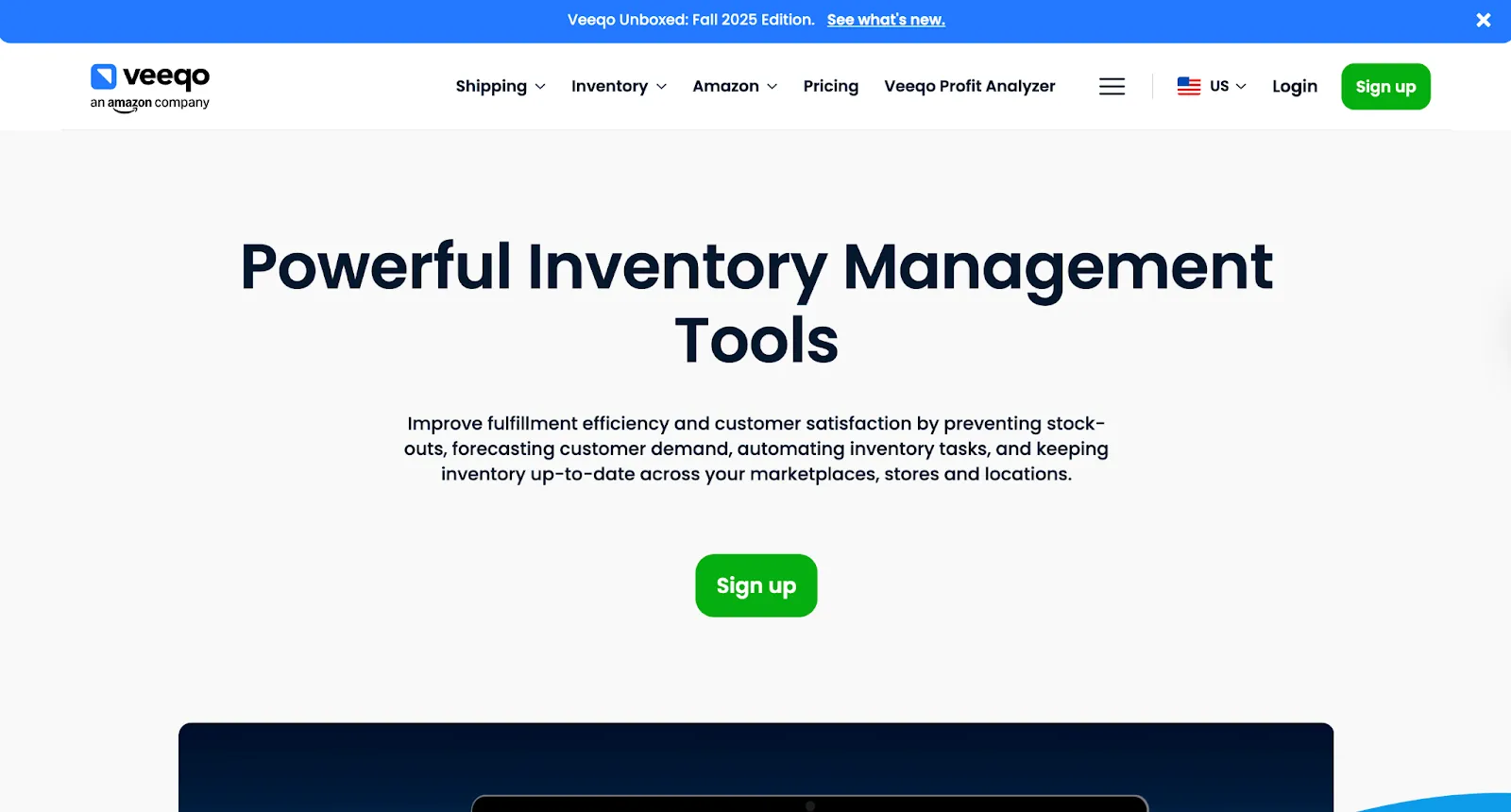
What if you could get powerful inventory and shipping software for free? That’s the promise of Veeqo.
After being acquired by Amazon, Veeqo dropped its monthly fees entirely. It gives sellers a robust platform to manage inventory across multiple channels - including WooCommerce, Shopify, Amazon, and eBay - and then efficiently pick, pack, and ship orders using its powerful warehouse tools.
So, what's the catch? Amazon makes its money when you buy discounted shipping labels from top carriers directly through the platform. But for the software itself? It’s completely free, making it an incredibly compelling option.
Key Features
- Free Multi-Channel Inventory Sync: Keep stock levels updated across all your sales channels at no cost.
- Discounted Shipping Rates: Access pre-negotiated low rates with carriers like UPS, USPS, DHL, and FedEx.
- Warehouse Management Tools: Includes a picker scanner app and digital picking tools to optimize your warehouse workflow.
- Powerful Reporting: Analyze sales, profit, and inventory performance by channel.
Pros
- It's completely free to use.
- Provides significant savings on shipping costs.
- Robust set of features for a free tool.
Cons
- As an Amazon-owned company, there are data-sharing implications to consider.
- Lacks some of the advanced forecasting and purchase order features of paid competitors.
Who is it for?
Veeqo is an incredible option for growing multi-channel sellers who are budget-conscious but need a robust tool to manage inventory and fulfillment. The shipping discounts alone can save a business thousands of dollars per year.
Pricing
Veeqo’s free "Shipping" plan includes unlimited orders, users, and integrations, generating revenue through carrier shipping rates. Paid plans start at $19/month and offer advanced features like inventory management, demand forecasting, and digital picking. Enterprise-level plans are also available for high-volume businesses.
Final Verdict
For a growing WooCommerce store that also sells on marketplaces, it provides an enterprise-grade inventory and shipping solution for free. It’s a great option for anyone looking to optimize their fulfillment process, but the customer support response times can be frustratingly slow.
How to Choose the Best WooCommerce Inventory Management Software for Your Store
Selecting the right platform is a critical decision.
Here’s what to look for when choosing an inventory management solution for WooCommerce:
1. Native Integration & Real-Time Sync
Your inventory management tool needs to connect flawlessly with your store. Look for software with a dedicated WooCommerce plugin or a strong API.
The goal is a native, two-way sync that instantly updates data between your store and the platform. This ensures your stock levels, orders, and customer information stay accurate everywhere.
With this setup, you can say goodbye to manual data entry and avoid costly mistakes.
2. Multi-Warehouse & Multi-Channel Support
Are you selling on more than just your WooCommerce store? Maybe you’re on Amazon, eBay, or even in a physical retail store. If so, your inventory software needs to act as a central hub, bringing all your stock data together in one place.
Imagine having a single, unified view of your entire operation. The right tool will intelligently manage inventory across multiple warehouses and sales channels, ensuring you never oversell and always fulfill orders from the most optimal location.
It’s a critical feature for any growing brand looking to expand its reach without multiplying its headaches.
3. Scalability & Performance
Your WooCommerce store is built for growth, so your inventory system must be ready to scale with you. Ask yourself: can your current system handle your catalog expanding from 1,000 to 50,000+ SKUs without breaking a sweat?
Now, picture your next Black Friday flash sale. Thousands of orders are pouring in every minute. Will your platform buckle under the pressure, or will it process massive data volumes in real-time without slowing down your site? It needs to be the reliable backbone of your operations, not the weak link that shatters when you need it most.
4. Advanced Automation & Workflow Intelligence
In today's competitive market, manual processes can hold you back - like trying to win a race with your shoelaces tied. While competitors automate, relying on manual workflows slows you down. To stay ahead, you need a platform that not only keeps up but drives you forward with intelligent automation.
Consider key moments in your business. When a product is about to sell out, automation sends low-stock alerts, preventing lost sales. It generates purchase orders and restocks inventory automatically. Incoming orders are routed to the best warehouse or supplier based on location, ensuring faster delivery to your customers.
Automation also transforms supplier management, streamlining communication, tracking performance, and strengthening relationships. It’s not just about efficiency - it’s about creating a smarter, more resilient business.
5. Cost vs. Value: A Clear Return on Investment
When you're looking at inventory software, it's easy to get fixated on the price tag. But a low monthly fee can be deceiving. Instead of asking, "How much does it cost?" you should be asking, "What is the return on this investment?"
Think about the true value.
Does the software save you hours of manual work? Does it prevent costly stockouts that lead to lost sales? Does it unlock new opportunities for growth that would otherwise be out of reach?
The right platform isn't an expense; it's a strategic investment that pays for itself.
A truly powerful platform does more than just track what you have - it actively generates new revenue. Take Carro, for example. Our collaborative dropship model allows you to expand your product catalog with items from other top-tier brands, risk-free.
Suddenly, your inventory software isn't just a management tool; it's a profit center, driving sales and growth for your business.
How Carro Turns Inventory Management into a Profit Center
Inventory has always been the biggest bottleneck for retail. It's a tricky balancing act: buy enough to meet demand without sinking your cash flow. What if you could break free from that cycle?
Carro flips this entire model on its head.
Imagine adding an entire collection of complementary products from other top-tier brands to your store in minutes. No upfront inventory costs. No warehousing. No financial risk.
When a customer buys a partner product from your site, the brand ships it directly to them. You just collect the profit.
That’s the power of collaborative dropship.
Carro provides the seamless infrastructure to make these brand partnerships work, handling the real-time inventory syncing, automated order routing, and secure payment processing.
This frees you from the operational complexities of managing multiple suppliers and lets you focus on what you do best: curating an amazing experience for your customers.
If you’re ready to build a more resilient, scalable, and profitable WooCommerce business, it’s time to get started with Carro.
Everything You Need to Know About WooCommerce Inventory Management
| Category | What You Need to Know |
|---|---|
| Why Native WooCommerce Tools Aren't Enough | Basic stock tracking counts down with sales but can't handle multiple warehouses, sales velocity insights, or demand forecasting. Creates overselling risks and manual spreadsheet work leads to errors, lost sales, and wasted capital in slow-moving products. |
| Benefits of Dedicated Solutions | Real-time multi-channel syncing prevents stockouts across all sales channels. Automation eliminates spreadsheet updates and generates alerts/purchase orders. Advanced reporting provides data-driven insights. Centralized systems manage multiple locations with smart order routing. Accurate data improves customer satisfaction. |
| Native Integration & Real-Time Sync | Must connect through dedicated plugin or strong API with two-way sync that instantly updates data between store and platform, eliminating manual data entry and costly mistakes. |
| Multi-Warehouse & Multi-Channel Support | Essential for selling beyond WooCommerce (Amazon, eBay, physical stores). Acts as central hub with unified view, intelligently managing inventory across locations, preventing overselling, and fulfilling from optimal locations. |
| Scalability & Performance | Must handle 1,000 to 50,000+ SKUs and process massive volumes during high-traffic events (Black Friday) without slowing down. Needs to be reliable backbone, not a weak link under pressure. |
| Advanced Automation & Workflow Intelligence | Key features: low-stock alerts, automatic purchase order generation, intelligent order routing to best warehouse/supplier, and streamlined supplier management. Creates smarter, more resilient businesses beyond efficiency. |
| Cost vs. Value (ROI) | Ask "What is the return?" not just "How much?" Evaluate if software saves hours, prevents costly stockouts, and unlocks growth. Powerful platforms like Carro generate revenue through collaborative dropship, becoming profit centers not expenses. |
| Carro's Unique Approach | Add products from top brands with no inventory costs, warehousing, or financial risk. When customers buy partner products, brands ship directly while you collect profit. Handles syncing, routing, and payments, freeing you from supplier complexity. |
| The Inventory Bottleneck Problem | Balancing demand without sinking cash flow is retail's biggest challenge. Traditional expansion requires capital, overhead, staff, and complex supplier relationships. Carro's inventory-free growth and automation eliminate these challenges. |
| Implementation Considerations | Fast setup in weeks, not months. Pre-built integrations for WooCommerce, Shopify, Magento plus EDI/SFTP support. Start small, test, and grow partnerships as revenue grows — low-risk, high-reward solution for any stage. |
Frequently Asked Questions
Does WooCommerce have built-in inventory management?
Yes, WooCommerce includes basic, built-in inventory management features. You can track stock quantities for simple and variable products, set low-stock thresholds, and manage backorders. However, these native tools are limited and often insufficient for growing businesses that require multi-location tracking, advanced reporting, or automated purchase orders. This is why many stores turn to specialized software.
What are the most important features in a WooCommerce inventory management platform?
When selecting a platform, look for one that does more than just track stock. The best tools connect you to a network of vetted suppliers, allowing you to add high-demand products to your store. Key features should include automated order routing for streamlined fulfillment and real-time syncing to keep product details, pricing, and inventory levels updated automatically. The right platform will let you expand your catalog seamlessly, growing your product range without the cost and complexity of holding inventory.
How much does inventory management software for WooCommerce cost?
The cost of inventory solutions for WooCommerce varies widely. For startups, there are free options that provide basic features. For more advanced needs, Carro offers flexible pricing. The Build Plan is $149/month plus a 7% fee per sale and includes unlimited partnerships. For larger businesses, the Scale Plan at $299/month reduces the fee to 5% and adds white-glove onboarding with a dedicated merchandising manager. Custom Enterprise plans are also available for high-volume operations requiring advanced features.
How does Carro help with inventory management on WooCommerce?
Carro eliminates the need to manage physical inventory for new product lines by allowing you to dropship directly from partner brands. Inventory levels are automatically synced from the supplier's store to your WooCommerce store, ensuring you never sell an out-of-stock item. This means you don't have to count, store, or ship the goods yourself.
Will Carro be too complex or time-consuming to implement?
Not at all. Carro is designed for a fast, easy setup so you can go to market in weeks, not months. Our platform was built to get you selling faster, with pre-built integrations for major platforms like WooCommerce, Shopify, and Magento. We also support EDI/SFTP, allowing you to connect your store and expand your product catalog without complex custom development.